Commercial disclosure: Totti publishes this article and is one of the compared products. Remini did not sponsor or approve it, and its link is not an affiliate link. We checked the official U.S. App Store listings on October 18, 2026. We did not install Remini or conduct hands-on speed, restoration, identity, or image-quality tests. Claims about Remini are limited to what its developer states on the listing. All product names and trademarks belong to their respective owners; this comparison does not imply affiliation, sponsorship or endorsement.
Short answer: Choose Totti when you want to create a new themed baby portrait with a different setting, outfit, or milestone concept. Choose Remini when the main task is enhancing a blurry, pixelated, damaged, or low-resolution photo. Remini’s restoration focus is the stronger fit for old family images; Totti fits imaginative new keepsakes.
These apps both use AI, but comparing them as direct substitutes misses the most important difference. One aims to reinterpret a photo as a new portrait; the other is marketed primarily as a way to clarify or repair an existing image.
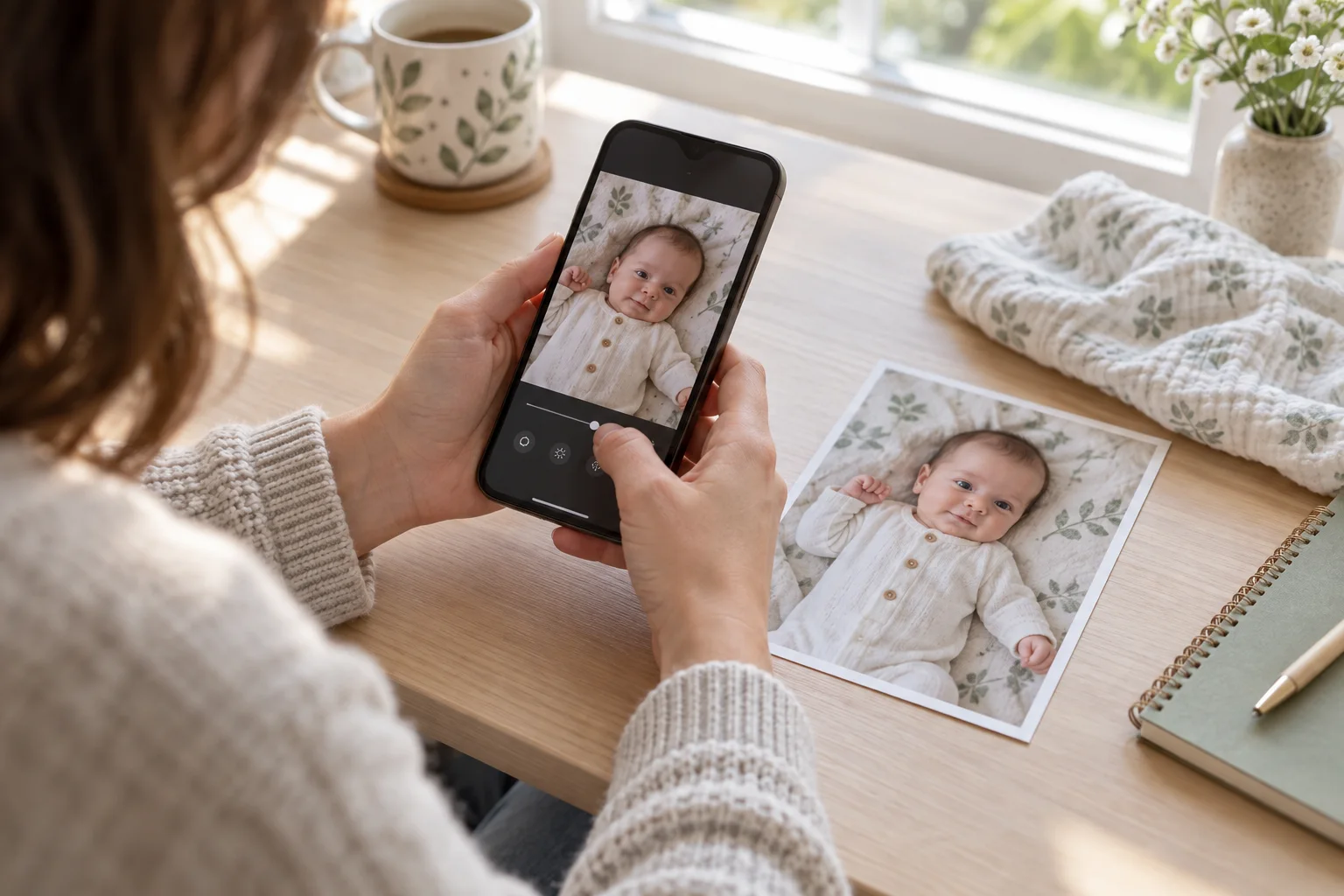
What is the central difference?
| Question | Totti | Remini |
|---|---|---|
| What problem is emphasized? | Creating a themed newborn, milestone, seasonal, or outfit portrait | Enhancing blurry, grainy, pixelated, damaged, or low-resolution photographs |
| What output does the listing describe? | A transformed portrait in a new scene | A clearer high-definition interpretation and before/after comparison |
| What family project fits? | Birth announcement, milestone card, holiday portrait, or imaginative keepsake | Old album scan, soft phone photo, scratched print, or low-resolution family portrait |
| Install offer | Free to download; in-app purchases | Free to download; in-app purchases |
| Official source | U.S. listing | U.S. listing |
Compatibility checked October 18, 2026: Totti is listed for iPhone and requires iOS 17.0 or later. Remini is listed for iPhone and requires iOS 15.0 or later. Compatibility can change, so confirm the live listing on the device you plan to use.
Pricing caveat: Both pages showed a free download with in-app purchases on October 18, 2026. Remini’s listing described weekly, monthly, and yearly subscription lengths, while Totti’s listing showed in-app purchases. That does not establish which actions are included for every user. Live pricing, trials, limits, and renewals can change; review the current purchase confirmation before subscribing.
How did we compare apps that solve different jobs?
We read the app descriptions, named use cases, purchase indicators, compatibility information, and App Privacy panels on the official listings. We sorted the stated functions into two categories: restoration or enhancement of the existing scene, and generation of a different scene. This task-based method is more useful than scoring unrelated feature lists.
We did not use rating totals to infer quality, and we did not treat either developer’s words such as “professional,” “high-definition,” or “studio-quality” as independent test results. We also did not assess how either app reconstructs fine details. Any AI tool can invent plausible texture when the source lacks information; apparent sharpness is not proof that the recovered eyelashes, skin texture, or clothing pattern is historically exact.
When is Remini the more appropriate choice?
Remini’s listing explicitly targets old, blurry, grainy, pixelated, damaged, scratched, or low-resolution photos. It describes turning facial photos into higher definition, enhancing everyday portraits and selfies, repairing older images, and making before-and-after comparisons. If the emotional value is in the real scene—a grandparent holding a newborn, a scanned hospital snapshot, or a favorite photo that missed focus—preserving that composition is usually the priority.
Enhancement still needs disclosure and restraint. An AI system cannot know every missing detail. Save the unaltered scan, label the enhanced copy, and avoid presenting reconstructed details as forensic truth. For fragile prints, scan at a useful resolution and clean the scanner glass before asking software to do more.
When is Totti the more appropriate choice?
Totti fits when a parent wants something that did not occur in the original photograph: a cozy blanket portrait, garden setting, classic studio scene, seasonal theme, virtual outfit, or designed milestone card. Its listing describes more than 50 templates and a newborn-to-first-birthday journey. The creative transformation is the objective, not an attempt to restore lost pixels.
That output should not replace the source record. Store it as a separate creative file and identify it as AI-generated when context could be confusing. Never use a generated portrait for identification, medical evaluation, or proof of a real physical photoshoot.
Where does Remini have the more directly documented fit?
Remini has the more directly documented fit for the repair-and-enhancement job described in its listing. Totti does not position itself as a restoration tool for scratches, pixelation, low resolution, or vintage albums. If a loved family photograph needs a clearer interpretation without replacing the entire scene, Remini is the more directly relevant option from the available evidence.
Remini also has the more directly documented fit for general-purpose work outside baby photography. Its listing covers vintage albums, portraits, selfies, damaged images, and shareable before/after enhancement. Totti’s baby-specific scene library is intentionally narrower. That specialization helps Totti with baby portrait ideas but is not an advantage when the subject is an old group photograph or a non-baby family image.
Where does Totti clearly fit better?
Totti fits better when enhancement cannot produce the desired outcome because the goal is a new scene. Sharpening will not create a holiday background, coordinated outfit, milestone plaque, or studio setup. A purpose-built baby portrait workflow reduces the need to describe or assemble those elements manually.
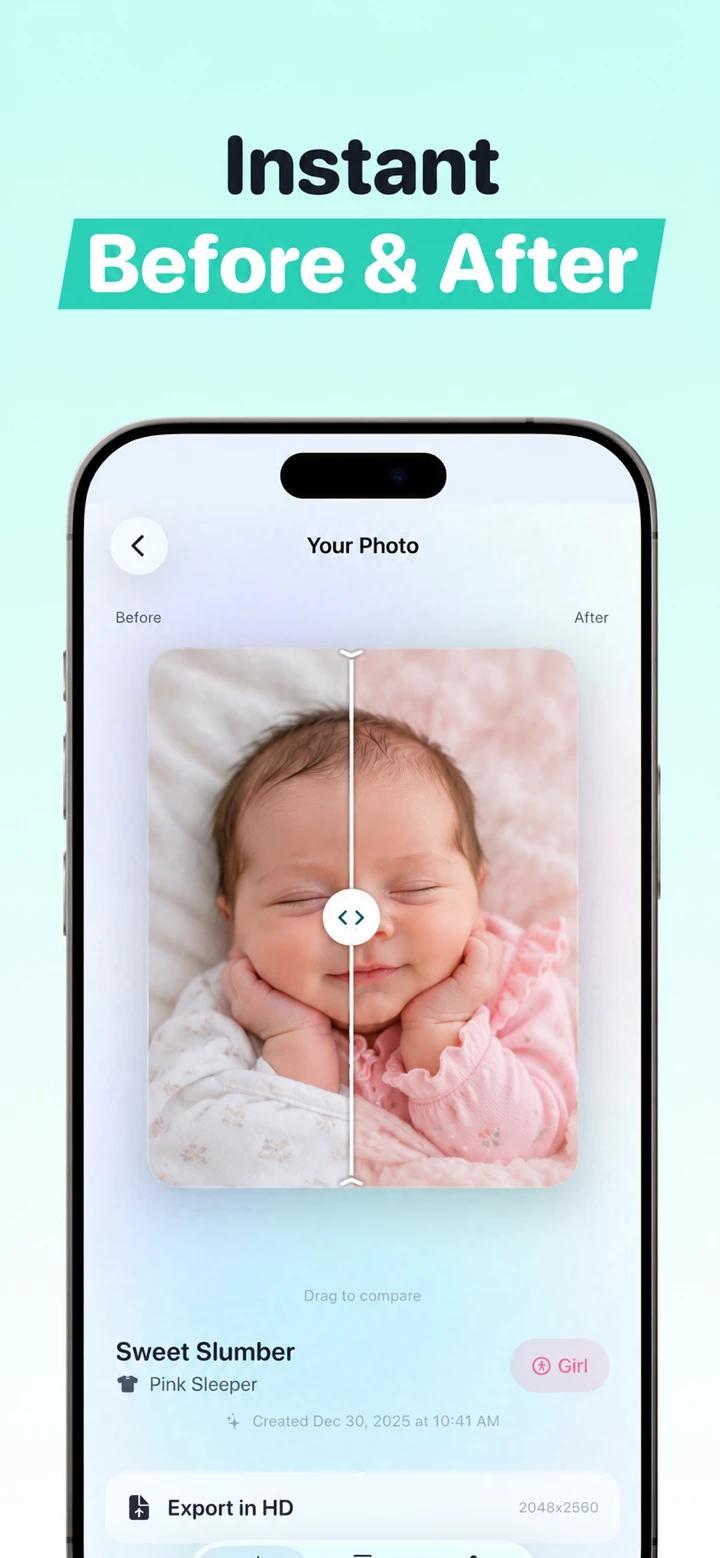
The comparison view is not a guarantee of identity preservation. Zoom in and review the face, ears, fingers, hair, skin markings, clothing, and background contacts. If the image looks attractive but no longer resembles the source closely enough, discard it or choose another source. See our AI baby photo troubleshooting guide for common failure patterns.
Should you enhance before generating?
Only when the source is too low-quality for the generator to read, and even then, keep expectations modest. Enhancement can invent detail. Feeding an enhanced reconstruction into a second AI tool adds another layer of interpretation, which may move the result farther from the real face. Start with the original whenever it is clear enough.
If you must use a two-step workflow, retain every stage: source, enhanced copy, generated result, and final share file. Compare both transformations to the original, not only to the preceding edit. Avoid aggressive face reshaping, skin smoothing, or sharpening halos before generation.
Which app fits a blurry newborn phone photo?
Ask why it is blurry. If the problem is slight softness and the real moment matters, an enhancement-oriented tool like Remini is the more logical first category. If the photo is severely motion-blurred or the face is hidden, no tool can reliably recover factual details that were never captured. Pick another source if available.
If the blur is unimportant because you only need a recognizable source for a clearly fictional portrait concept, Totti may still be the relevant category, but a sharper source generally gives any portrait workflow more information. Our newborn photo editing guide for iPhone covers exposure, crop, color, and other restrained corrections before AI.
What do the App Privacy labels report?
Apple states that App Privacy labels are developer-reported and that this information has not been verified by Apple. On October 18, 2026, Remini’s label listed identifiers that may be used to track users; contact information linked to users; and user content, identifiers, usage data, and diagnostics among categories not linked to users. Totti’s label reported “Data Not Collected.” The exact disclosure may vary with feature or age and can change.
Important Totti disclosure: The App Store label and Totti’s linked developer privacy policy do not currently align cleanly. The policy separately says baby photos and selected milestone text are processed by Replicate; profiles can include names, birth dates and milestones; optional Apple cloud backup can include profiles and images; and service-provider retention can extend beyond generation. Do not rely on the label alone. Review both live disclosures before uploading. This article does not determine which App Store privacy categories should apply.
These labels are starting points, not complete independent audits. Read current privacy policies for how uploaded photos are transmitted, processed, retained, deleted, and handled by service providers. Crop private details before upload, use images you have permission to edit, and avoid putting a child’s full name, address, school, or medical information into a public post.
Which app should you choose?
- Choose Remini when the real scene must remain and the source is blurry, grainy, damaged, scratched, old, or low resolution.
- Choose Totti when you want a clearly creative baby portrait with a new setting, virtual outfit, seasonal concept, or milestone presentation.
- Use ordinary photo controls first when a simple crop, exposure adjustment, or white-balance correction solves the problem.
- Preserve and label each version so family members can distinguish the original, enhanced interpretation, and generated scene.
For other comparisons, read Totti vs NewPic for two AI portrait apps, Totti vs LittleCam for backgrounds and frames, or Totti vs Totsie for milestone decoration. Our broader iPhone app roundup separates several editing jobs.

Want to create, rather than restore?
Totti is free to download with optional in-app purchases. Choose a clear, permissioned source photo, generate a portrait concept, and compare the result with the original before saving.
View Totti on the App Store