Commercial disclosure: Totti publishes this comparison and is one of the products discussed. We receive no affiliate commission from Canva. We reviewed the current U.S. App Store listings for Totti and Canva on October 18, 2026. We did not run a controlled output, speed or usability test, so this page compares declared workflows rather than claiming a performance winner. All product names and trademarks belong to their respective owners; this comparison does not imply affiliation, sponsorship or endorsement.
Short answer: choose Totti when you need to turn an existing baby photo into a styled newborn or milestone portrait. Choose Canva when your portrait is ready and you need exact names, dates, typography, collages or multiple social sizes. For a polished birth announcement, the strongest workflow may use Totti first and Canva second.
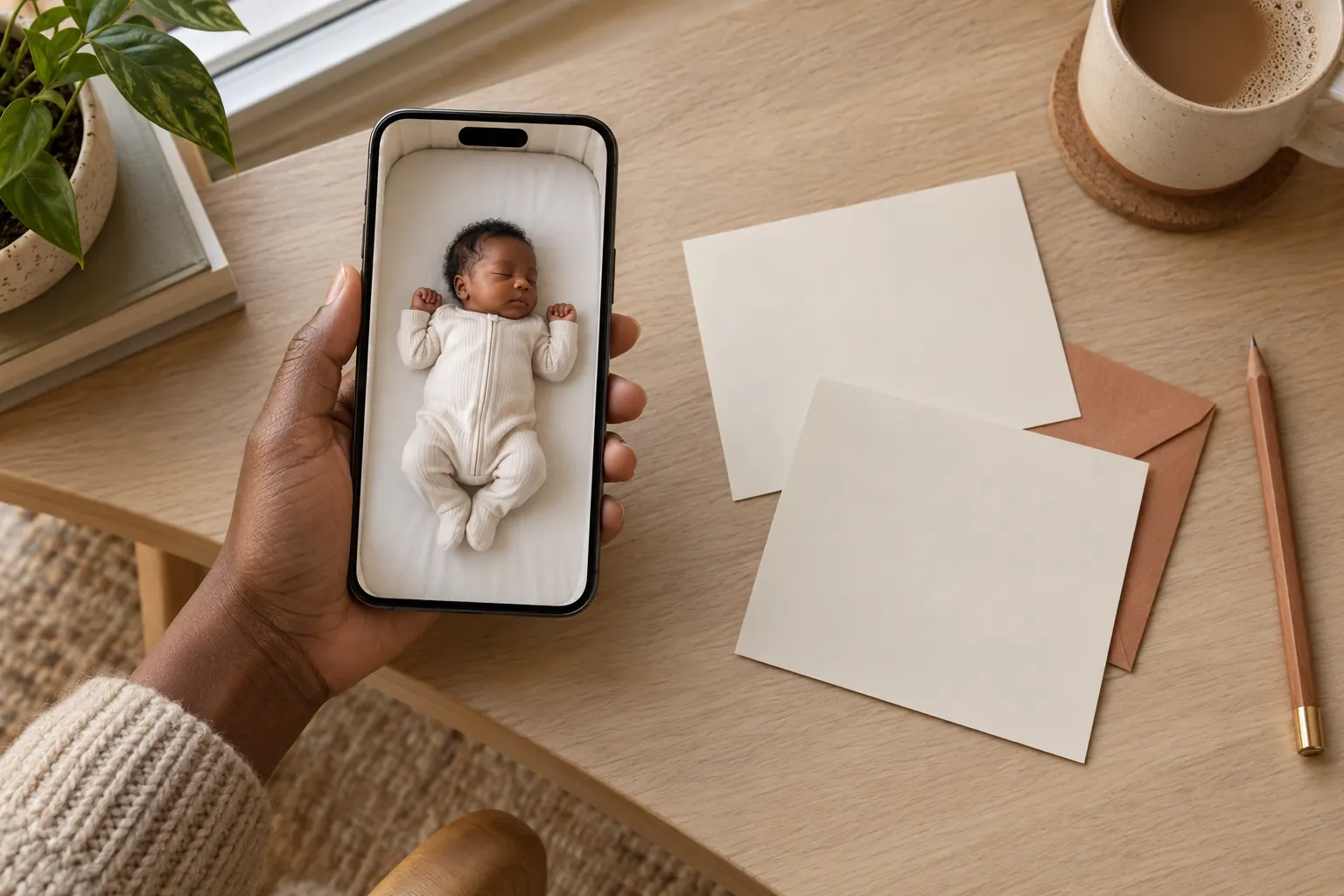
What is the practical difference between Totti and Canva?
| Question | Totti | Canva |
|---|---|---|
| What does the listing emphasize? | Restyling an existing baby photo with 50+ portrait, outfit, seasonal and milestone templates | General graphic design, photo editing, video, collages and customizable templates |
| What is the natural output? | A generated baby portrait | A composed card, post, Story, collage or other design |
| Can it place exact text? | Not the core job described in the listing | Yes; design and template tools are the core workflow |
| Where is the other app's documented fit stronger? | Canva is the clearer fit for controlled typography and multi-format design | Totti is the clearer fit for a guided baby-specific portrait transformation |
| Purchase model shown | Free to download; in-app purchases | Free to download; in-app purchases |
Compatibility checked October 18, 2026: Totti is listed for iPhone and requires iOS 17.0 or later. Canva is listed for iPhone and iPad and requires iOS 15.0 or later on iPhone or iPadOS 15.0 or later on iPad. Compatibility can change, so confirm the live listing on the device you plan to use.
The table summarizes what each developer currently says on its official App Store listing. It does not measure image quality or imply that every named feature is included without payment. Availability, subscriptions and individual tools may change; check the purchase screen before beginning a time-sensitive announcement.
How did we compare these birth-announcement workflows?
We broke a birth announcement into six observable tasks: select a source photo, restyle or edit the portrait, add verified details, choose an aspect ratio, export the design and review what will be shared. We then matched those tasks to features explicitly named in each listing. We did not infer features from screenshots, ratings, reviews or brand reputation.
This approach matters because “photo app” covers radically different products. Totti's listing describes a baby-photo generator with portrait templates and virtual outfits. Canva's listing describes an all-in-one creative platform with photo editing, customizable templates, background removal and collages. A parent searching for a new portrait setting has a different need from a parent arranging text around a finished portrait.
We also separated developer statements from independent facts. For example, privacy labels and app descriptions are supplied by developers. Apple says privacy-label information has not been verified. We therefore use careful phrases such as “the developer reports” and avoid converting a label into a security guarantee.
When is Totti the better fit for a birth announcement?
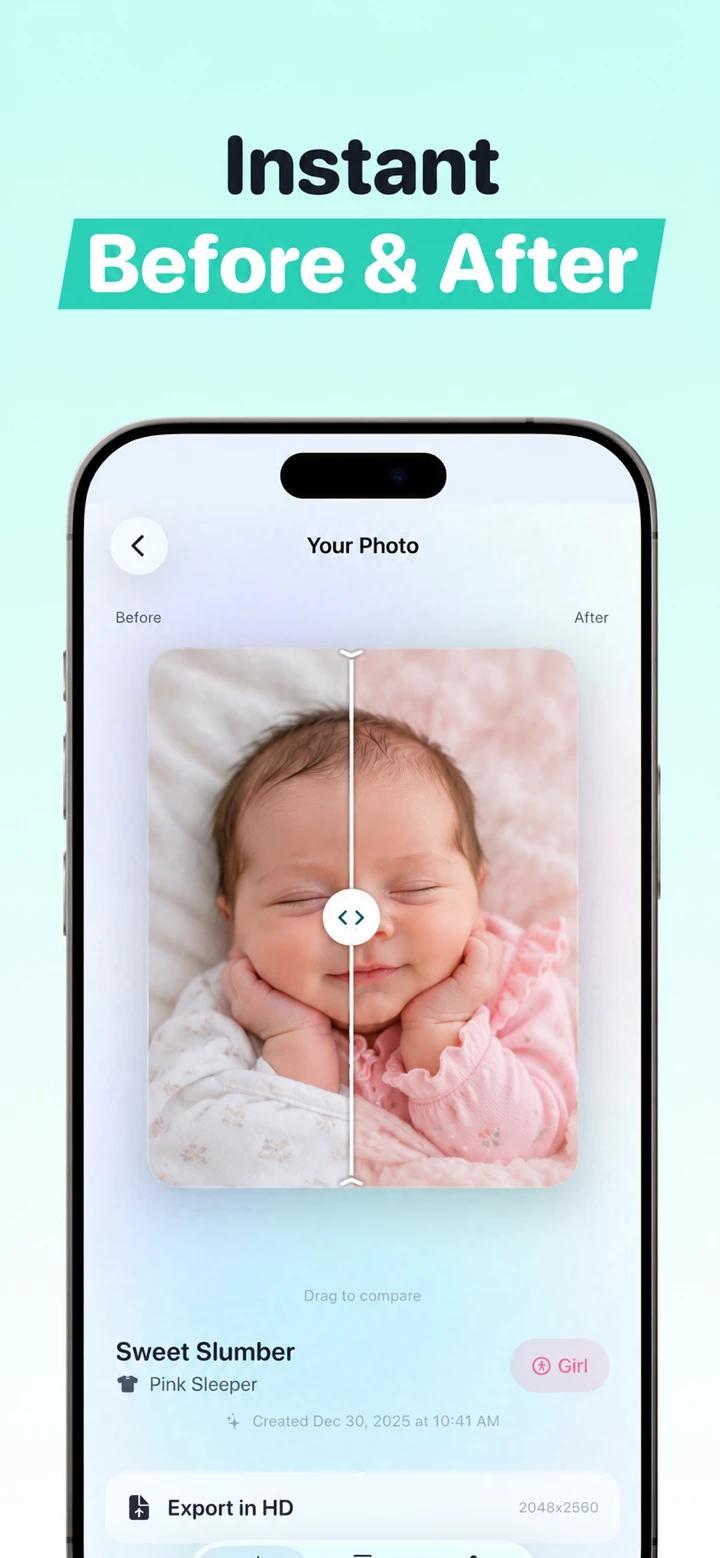
Totti fits the portrait-making stage. Its listing says users can upload an existing baby photo and choose from 50+ templates covering studio, outdoor, seasonal, outfit and milestone looks. That guided structure helps when the source photo is meaningful but its background, clothing concept or overall presentation does not match the announcement you imagined.
A typical use case is simple: you have a clear phone photo with a recognizable face, but you would like a cozy blanket scene, a classic studio look or a seasonal portrait. Totti provides template choices rather than a blank design canvas. A current first-party interface screenshot shows a template-selection screen without a written prompt field at that step; it does not establish that every screen or future app version works without one. The observed template step is useful for someone who knows the mood but does not want to build a composition from individual layers.
Totti is not the stronger choice for precise birth details. Names, dates, weights and times should be typed as real text after the portrait is complete. Generative image tools can misspell letters or alter digits. Canva has the more directly documented fit for that portion because its listing centers on design and editing rather than using generated pixels as the final word for factual information.
There is another honest limit: any generative portrait can change facial details, hands, fabric or physical support. Keep the original photo and compare the output at full size. Reject an image when the baby's identity feels unfamiliar, even if the background looks attractive. Never remove a hand that was physically supporting the baby.
When is Canva the better fit for a birth announcement?
Canva has the more directly documented fit when the portrait is already ready and the remaining job is layout. Its current listing describes customizable templates, photo editing, background removal, lighting and contrast adjustments, collages and social-media content. Those tools match the practical needs of an announcement: place a photo, establish text hierarchy, choose spacing and export versions for different destinations.
Canva is also the more natural choice when you need several photos on one page. A birth announcement might pair a close portrait with a tiny hand detail and a family picture. A collage or flexible canvas is designed for that. Totti's declared focus is generating a new styled portrait, not arranging a multi-image editorial grid.
Exact text is the decisive Canva advantage. Type the baby's name, date, weight and a short message as editable text. Check every detail against the original note or hospital record, then ask another adult to proofread. Do not upload the record itself. If a template includes fields you do not want to disclose, delete them rather than filling them automatically.
Canva is broader, but breadth can create unnecessary decisions. If all you want is a baby-specific portrait transformation, a general-purpose editor may feel like more workspace than you need. Totti has the more directly documented fit for that narrow, guided scenario. Neither breadth nor specialization proves better output; the right choice follows the unfinished job.
Can Totti and Canva be used together without duplicating work?
Yes. A two-stage workflow keeps creative generation separate from factual design:
- Choose one safe source. Use a sharp, full-resolution photo with soft light and no identity band, medical paper, address or location clue.
- Create the portrait in Totti. Choose a template that broadly agrees with the source angle and pose. Large pose changes require more invention.
- Review against the source. Check eyes, nose, mouth, ears, hairline, skin marks, hands, feet, shadows and support.
- Move only the approved portrait into Canva. Start a card or social design and select the final dimensions before arranging content.
- Add details as editable text. Type verified information; never rely on generated lettering.
- Export separate versions. A print card, square feed post and vertical Story should be composed intentionally, not merely cropped from one master.
- Disclose material generation. If viewers could reasonably think the setting or outfit was photographed, say that it was AI-created.
This workflow does not require both apps. If you already have the portrait you love, begin in Canva. If you want only a styled portrait to send privately, you may not need a design tool. Our iPhone birth-announcement guide covers a broader end-to-end process.
What do the current App Store privacy labels say?
On October 18, 2026, Totti's developer-reported App Privacy section said “Data Not Collected.” Canva's developer-reported label listed identifiers as data that may be used to track users and multiple categories that may be linked to identity, including financial information, purchases, location, contact information, user content, search history, identifiers, usage data and diagnostics.
Those labels are useful for comparison, but Apple says they are not verified and may vary by feature or age. “Data Not Collected” does not prove that every operation happens on the device, nor does it replace a privacy policy. Before uploading a child's photo, read the current policy and look for image processing location, retention, training use, service providers and deletion instructions.
Important Totti disclosure: The App Store label and Totti's linked developer privacy policy do not currently align cleanly. The policy separately says baby photos and selected milestone text are processed by Replicate; profiles can include names, birth dates and milestones; optional Apple cloud backup can include profiles and images; and service-provider retention can extend beyond generation. Do not rely on the label alone. Review both live disclosures before uploading. This article does not determine which App Store privacy categories should apply.
Privacy also depends on what you publish. A beautifully designed announcement can reveal a full name, exact birth date, hospital, home location or routine. Share the minimum needed for the audience. Use a private message or restricted album for details you would not post publicly. Read our plain-language privacy-label comparison for a wider set of baby-photo apps.
Which app should you choose in five common situations?
- “I want my phone snapshot to look like a themed newborn portrait.” Start with Totti, then perform a close identity and anatomy review.
- “I already have a portrait and need a card with exact facts.” Canva is the direct fit.
- “I want a three-photo collage for family.” Canva's declared collage and design workflow fits better.
- “I want a styled portrait plus a printed and social announcement.” Use Totti for the image stage and Canva for layout, if both tools meet your privacy requirements.
- “I only need crop, warmth and exposure.” Skip generation. Use the Photos app or the conventional steps in our newborn photo editing guide.

Want a guided portrait before you design the announcement?
Totti is free to download for iPhone and includes optional in-app purchases. Start with an existing baby photo, choose a template and review the generated portrait against the original before sharing it.
View Totti on the App StoreWhat is the bottom line?
Totti and Canva solve adjacent rather than identical problems. Totti is the guided, baby-specific portrait generator; Canva is the flexible design surface for text, collages and formats. Canva has the more directly documented fit for controlled birth-announcement layout. Totti is the focused option when the portrait itself needs a new visual setting. Use one or both according to the unfinished task—not according to the longest feature list.
