Commercial disclosure: This article is published by Totti, which is compared below. We have no affiliate arrangement with Picsart. Claims were checked against the current U.S. App Store listings for Totti and Picsart on October 18, 2026. We did not conduct a controlled hands-on test, so we do not rank speed, output quality or ease of use. All product names and trademarks belong to their respective owners; this comparison does not imply affiliation, sponsorship or endorsement.
Short answer: Totti fits parents who want a guided, baby-specific portrait transformation from one existing photo. Picsart fits people who want a broad creative editor for backgrounds, object removal, effects, retouching, templates, text and collages. Choose by the unfinished job; neither app is the universal winner for every baby photo.
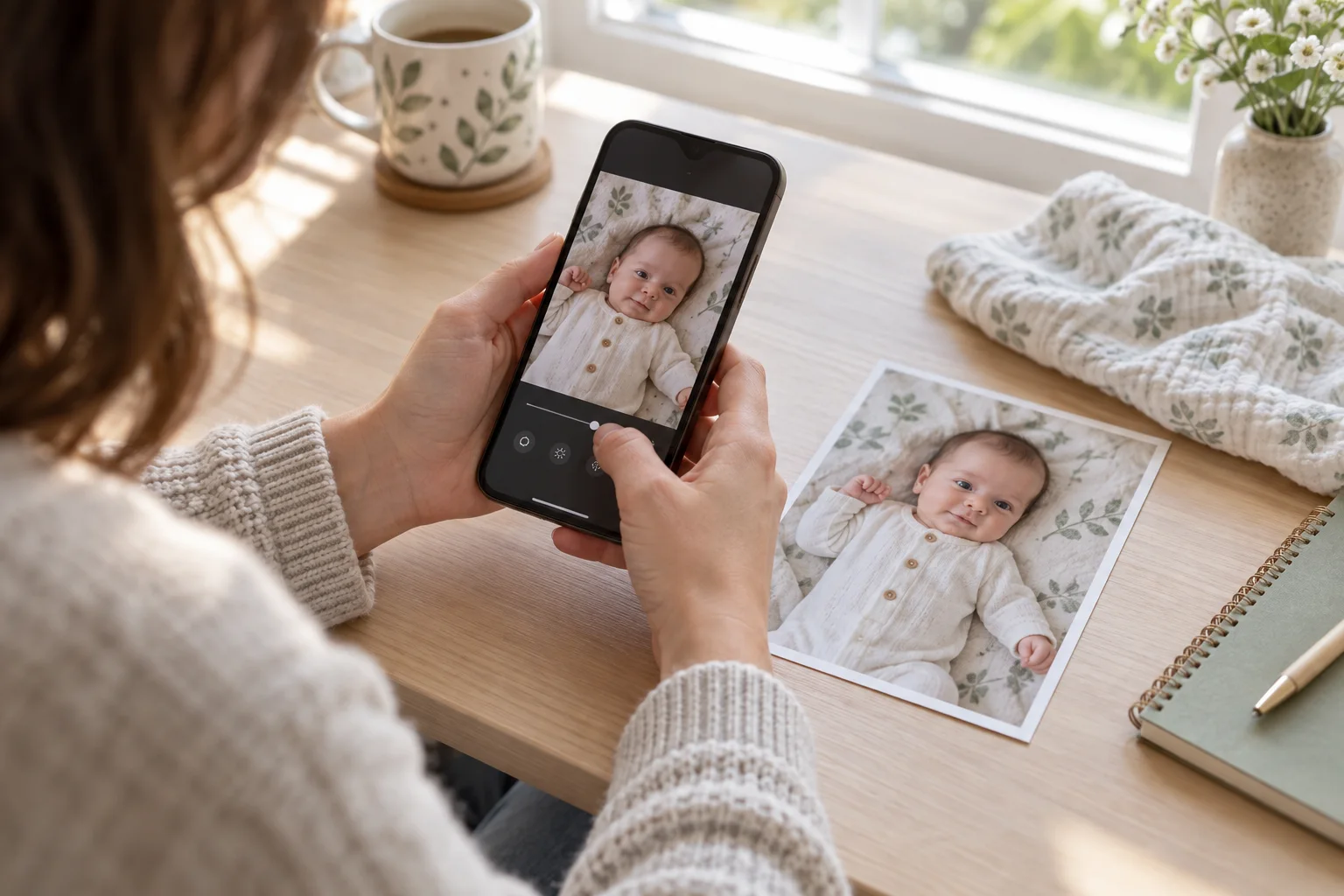
How do Totti and Picsart differ at a glance?
| Need | Totti | Picsart |
|---|---|---|
| Guided newborn or milestone portrait | Core use described by its listing | Possible through a broader editing toolkit, but not the listing's sole focus |
| Background and object control | Applied through selected portrait templates | Listing names background removal, object removal and AI Replace |
| Text and collage design | Not the primary declared workflow | Listing names templates, text and collages |
| Creative control | Lower-decision template path | Broader set of manual and generative choices |
| Purchase model shown | Free to download; in-app purchases | Free to download; in-app purchases |
Compatibility checked October 18, 2026: Totti is listed for iPhone and requires iOS 17.0 or later. Picsart is listed for iPhone and iPad and requires iOS 15.0 or later on iPhone or iPadOS 15.0 or later on iPad. Compatibility can change, so confirm the live listing on the device you plan to use.
This is a workflow table, not a product score. It paraphrases the features each developer names in the App Store listing. Some tools may require an in-app purchase, subscription, account, network connection or eligible device. Check the current app screen before assuming a particular feature is included.
What method did we use for this comparison?
We started with six real editing intentions: create a themed portrait, remove a distracting object, swap a background, improve clarity, add exact text, and build a collage. We mapped only explicitly listed features to those intentions. Totti's listing emphasizes 50+ baby portrait templates, milestone cards and virtual outfits. Picsart's listing describes an all-in-one photo, video and design studio with background and object removal, AI effects, enhancement, retouching, templates and collages.
We did not treat the number of features as a quality measure. A narrow tool can be easier to match to a narrow task; a broad tool can be stronger when a user wants control across several unrelated edits. We also ignored displayed ratings because ratings cover different versions, functions and sample sizes. No inference about reliability or output quality comes from this page.
The review is dated because app listings change. If either developer changes features or privacy declarations after October 18, 2026, the live listing should take priority over this article. That freshness rule is especially important for AI features delivered without a full app update.
When should you choose Totti for a baby photo?
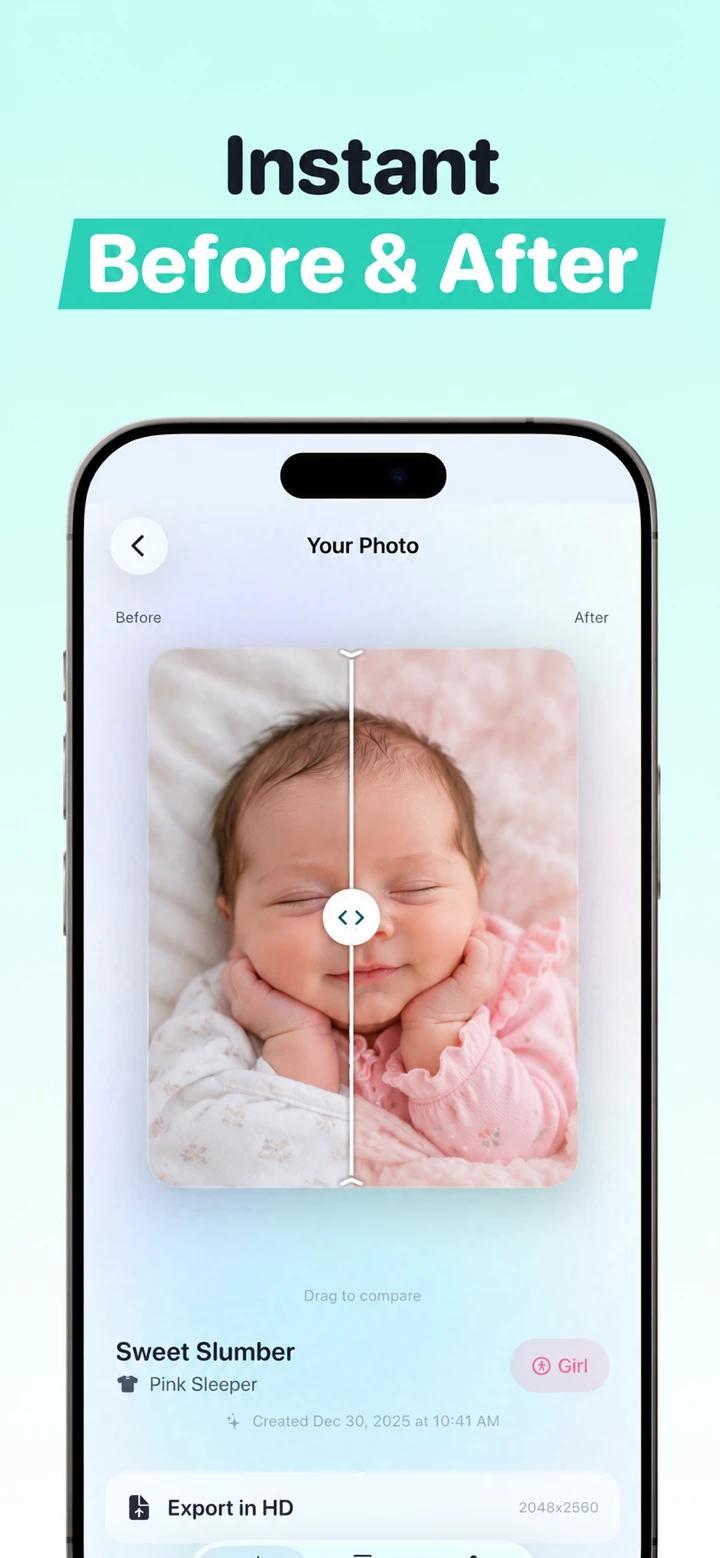
Choose Totti when the question is “Can I see this existing baby photo as a finished newborn, seasonal or milestone portrait?” The app presents templates rather than asking you to assemble layers. A current first-party interface screenshot shows a template-selection screen without a written prompt field at that step; it does not establish that every screen or future app version works without one. Totti's listing names cozy blanket scenes, outdoor settings, classic studio portraits, seasonal themes, milestone cards and virtual outfits.
This guided path reduces design decisions. You still need to choose a suitable source and review the output, but you do not need to decide which object-removal brush, layer order, font, mask or effect should produce the final look. That makes Totti the clearer match for users who want a baby-specific transformation rather than a general editing project.
Totti is not the more direct fit when the job calls for tools aimed at local edits, exact text, or combining multiple photos; Picsart's listed toolkit addresses those tasks more directly. That is a feature-fit observation, not a claim that any edit will be pixel-perfect. Totti also cannot guarantee that generation will preserve identity. The App Store copy is a developer description, not independent proof of output consistency.
When should you choose Picsart for a baby photo?
Choose Picsart when you need a broad editing workspace. Its current listing names background removal, object removal, AI effects, filters, retouching, AI Enhance, AI Replace, AI Expand, templates, text and collages. That scope is useful when the intended result cannot be described as one baby-portrait template.
Picsart has the more directly documented fit for a controlled announcement or collage because exact text and multiple images belong in a design editor. It also fits a narrow cleanup request when you are prepared to mask or review the changed area. For example, removing a wall outlet from an empty section of background is different from generating an entire studio scene.
The breadth also raises review demands. The listing describes adult-oriented retouching, face changes and AI try-on among many other tools. On a baby photo, avoid any control that reshapes a face or smooths away real skin texture. A feature being available does not mean it belongs in a truthful family record.
Picsart is not automatically the better choice for a one-tap baby portrait. A person who wants a predefined newborn concept may prefer Totti's narrower route. This is the central tradeoff: Totti supplies a guided destination; Picsart supplies more instruments.
Which app fits each common baby-photo edit?
Who fits a full studio-style restyle?
Totti fits more directly because its listing is organized around baby portrait templates. Select a concept near the source pose and inspect identity, hands, feet, fabric and shadows afterward. A large scene change requires more generation than a modest background adjustment.
Who fits a simple object removal?
Picsart has the more directly documented fit because its listing explicitly names Object Remover. Keep the removal away from the baby's body and from any adult hand providing real support. If the unwanted item touches hair, skin or clothing, cropping may be safer and more truthful than reconstructing the edge.
Who fits a birth-announcement design?
Picsart fits the layout stage because its listing includes templates, text and collages. Type names, dates and measurements as editable text, then proofread them. Totti can supply a portrait first, but generated text should never be trusted for factual details. The separate Totti versus Canva comparison examines another design-first workflow.
Who fits a virtual outfit concept?
Totti's listing explicitly names virtual outfits coordinated to its scenes. Picsart also lists AI Try-On and AI Replace, so it offers a broader experimental path. Totti fits a predefined baby portrait; Picsart fits a user who wants to direct a more general edit. In both cases, disclose the artificial outfit when viewers could mistake it for a real garment or event.
Who fits a small exposure or color correction?
Neither needs to be the first choice. The built-in Photos app can often adjust brightness, warmth, highlights and crop without generative reconstruction. Follow our restrained iPhone editing guide when the photograph is already good and only needs conventional correction.
Who fits a blurry source photo?
Picsart lists AI Enhance, but a dedicated enhancer such as Remini may be a more direct category match. Enhancement can invent plausible facial detail; it cannot recover information that the camera never captured. If another frame is sharper, use it instead. Our broad app comparison separates enhancement from portrait restyling.
How should you review an edited baby portrait?
- Keep the untouched source. Never overwrite the family original.
- Compare at full size. Check eye shape, nose, mouth, ears, hairline and distinctive skin marks.
- Trace anatomy. Count visible fingers and toes; follow arms and legs to believable connections.
- Check support. A baby must not appear unsupported because an editor removed a hand or surface.
- Inspect edges and light. Look for duplicated fabric, melted hair, floating props and conflicting shadows.
- Ask whether disclosure is needed. Label a materially generated scene, outfit or event when viewers could mistake it for a photograph.
What do the current privacy labels declare?
Totti's developer-reported App Privacy section said “Data Not Collected” when checked. Picsart's developer-reported label said identifiers may be used to track users and listed linked categories including purchases, contact information, user content such as photos or videos, search history, identifiers, usage data and diagnostics.
Apple says these disclosures are supplied by developers, have not been verified by Apple and may vary by feature or age. They are comparison inputs, not security grades. “Data Not Collected” does not prove on-device image processing. A category shown as not linked does not mean it is never transmitted. Read each current privacy policy for processing location, retention, model training, service providers and deletion rights.
Important Totti disclosure: The App Store label and Totti's linked developer privacy policy do not currently align cleanly. The policy separately says baby photos and selected milestone text are processed by Replicate; profiles can include names, birth dates and milestones; optional Apple cloud backup can include profiles and images; and service-provider retention can extend beyond generation. Do not rely on the label alone. Review both live disclosures before uploading. This article does not determine which App Store privacy categories should apply.
Whichever tool you choose, remove identity bands, documents, addresses and location clues before uploading. Confirm that you have authority to use the image and any consent required by applicable law, court orders, agreements and platform terms. The AI baby photo privacy-label guide explains the label language without naming a “most private” app.
Which app should you pick?
- Pick Totti for a guided newborn, seasonal, outfit or milestone portrait from one real baby photo.
- Pick Picsart for a collage, exact text, background cutout, object removal or a layered creative design.
- Use both only when the portrait and layout are separate jobs and both privacy policies meet your needs.
- Use neither generative workflow when crop, exposure or white balance can preserve the original more faithfully.

Prefer a guided baby-portrait workflow?
Totti is free to download for iPhone and includes optional in-app purchases. Upload an existing baby photo, choose a template and compare the result with the source before saving it.
View Totti on the App StoreWhat is the bottom line?
Totti is a specialist and Picsart is a toolbox. Totti fits the narrow case where you want a guided baby-specific portrait concept. Picsart's listing is the clearer fit for tools aimed at local edits, text, collages or broad design work; this comparison does not test edit precision. The safest choice is often the tool that changes the least while completing the actual task.
