Commercial disclosure: Totti publishes this page and is one of the products compared. We receive no affiliate payment from Baby Pics. We checked both official U.S. App Store listings on October 18, 2026. We did not install Baby Pics or conduct a controlled output-quality, speed, or reliability test, so this comparison covers documented workflows—not a claim that one app produces better images. All product names and trademarks belong to their respective owners; this comparison does not imply affiliation, sponsorship or endorsement.
Short answer: Choose Totti when you want AI-generated portrait scenes and virtual outfits from an existing baby photo. Choose Baby Pics when you want to keep the original scene and add milestone artwork, names, dates, measurements, filters, or playful text. Baby Pics also lists broader pregnancy-to-big-kid artwork and newer AI keepsake tools.
The apps overlap, but their most direct workflows are different. Your better choice depends on whether “edit this moment” means restaging the portrait or decorating the photograph you already captured.
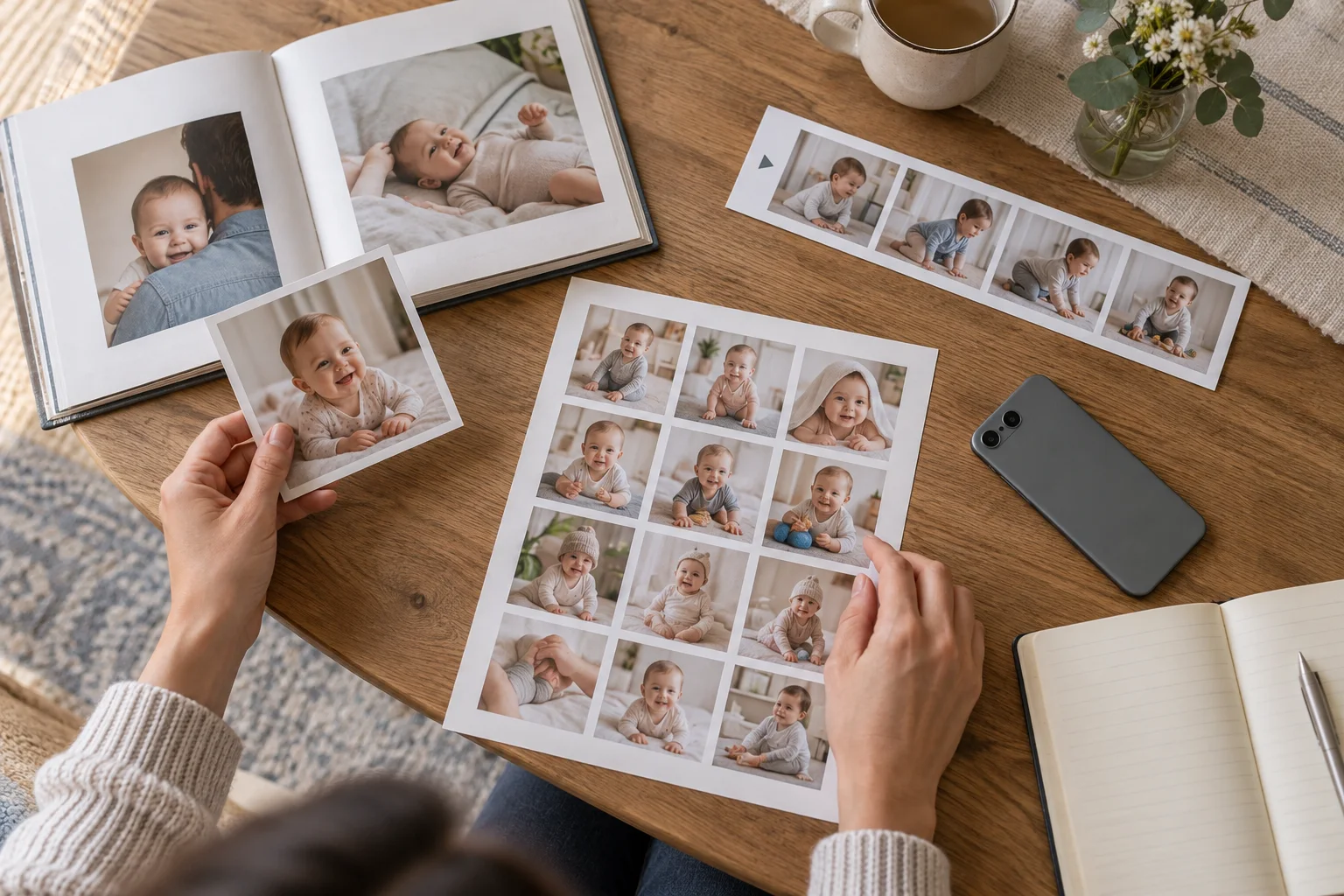
What is the practical difference between Totti and Baby Pics?
| Question | Totti | Baby Pics |
|---|---|---|
| What is the clearest primary job? | Generate styled baby portraits, settings, outfits, and milestone scenes from a source photo | Add milestone artwork, personalized text, filters, and themed keepsake elements to a photo |
| What does the listing explicitly mention? | 50+ portrait templates, milestone cards, seasonal themes, and virtual outfits | 1,000+ illustrations, personalized text, filters, sharing, Magic Cut scenes, and PRO AI creations |
| Which timeline is emphasized? | Newborn through first birthday and later milestones | Pregnancy, baby, holidays, announcements, daily life, and big-kid milestones |
| What does it cost to install? | Free to download; in-app purchases | Free to download; in-app purchases |
| Where do these facts come from? | Official U.S. listing | Official U.S. listing |
Compatibility checked October 18, 2026: Totti is listed for iPhone and requires iOS 17.0 or later. Baby Pics supports iPhone and iPad and requires iOS 26.0 or later on iPhone or iPadOS 26.0 or later on iPad. Compatibility can change, so confirm the live listing on the device you plan to use.
Pricing note: On October 18, 2026, both listings displayed “Free · In-App Purchases.” That phrase describes installation, not unlimited use. Included templates, trials, subscription offers, and purchase terms can change by storefront or account. This page intentionally does not quote a lasting subscription price; check the live listing and the in-app purchase screen before confirming anything.
How did we compare the apps?
We read the product descriptions, platform information, in-app purchase indicator, and App Privacy panels on the two U.S. listings. We translated those developer-written descriptions into user jobs: generate a different portrait setting, decorate a captured moment, add exact milestone text, organize a series, or create an AI keepsake. We did not treat marketing superlatives, star averages, or review quotations as proof.
We also separated stated capability from independently observed performance. For example, Baby Pics says it offers milestone illustrations, customized text, Magic Cut scenes, animations, storybook treatments, and coloring-book scenes. Totti says it offers themed portrait templates, milestone cards, and virtual outfits. Those are fair listing-based statements. It would not be fair to infer which app preserves identity more accurately without the same source images, settings, and review protocol.
Which app is better for a monthly milestone series?
For a series where every month uses a new backdrop or outfit concept, Totti aligns closely with that goal. Its listing organizes its offer around generated photoshoots: blanket scenes, garden settings, classic studio portraits, holiday themes, outfit changes, and milestone cards. Keep the untouched source image beside every generated result, because a generative transformation can alter facial or anatomical details.
For a series that should preserve the exact room, blanket, pose, and expression, Baby Pics has the clearer editor-style workflow. Its listing says you can choose a camera-roll photo, add artwork, personalize text, apply filters, save, and share. Weeks, months, birthdays, firsts, holidays, announcements, and family moments are among its described categories. That is a natural fit for “same chair, new month label” documentation.
Baby Pics now also describes AI creations, animation, themed scenes, storybook looks, coloring pages, and a background-lifting Magic Cut feature. That increases overlap with Totti. Still, the landing question remains useful: do you want a portrait-generation flow first, or a milestone-decoration toolkit first?
Which app is better for exact names, dates, and measurements?
Baby Pics is the more directly documented choice for exact words. Its listing specifically names personalized text for a baby’s name, dates, measurements, and notes, alongside fonts and milestone illustrations. Text layers are also easier to proofread than words rendered inside a generated scene.
Totti can create milestone-card concepts, but any essential fact should be checked after generation and preferably added as ordinary editable text in a suitable design tool. Never rely on AI-rendered lettering for a birth date, weight, or spelling. For more workflows organized by task, see our broader baby milestone photo app comparison and milestone caption guide.
Where does Baby Pics have the more directly documented fit?
Baby Pics has the more directly documented fit for broad milestone decoration. Its listing covers pregnancy and bump updates, babies, big kids, dates, firsts, holidays, announcements, daily-life moments, friends and family, humorous labels, doodles, and personalized text. For a parent tracking a journey from pregnancy through school-age milestones, that scope is more explicit than Totti’s portrait-centered listing.
It also has the more directly documented fit when the original photograph is the point. A first smile in the real nursery or a messy first meal may be more meaningful with a small label than with a new environment. Generative restaging is not automatically an improvement. Documentary family pictures and creative AI keepsakes can coexist, but they should not be confused.
Where does Totti have the clearer fit?
Totti has the clearer fit when the requested output is “make this phone snapshot look like a themed newborn or milestone portrait.” Its listing is centered on portrait environments, matching virtual outfits, and recurring occasion templates. The workflow is narrower than a general sticker-and-text editor, which can be useful if you do not want to assemble a layout manually.
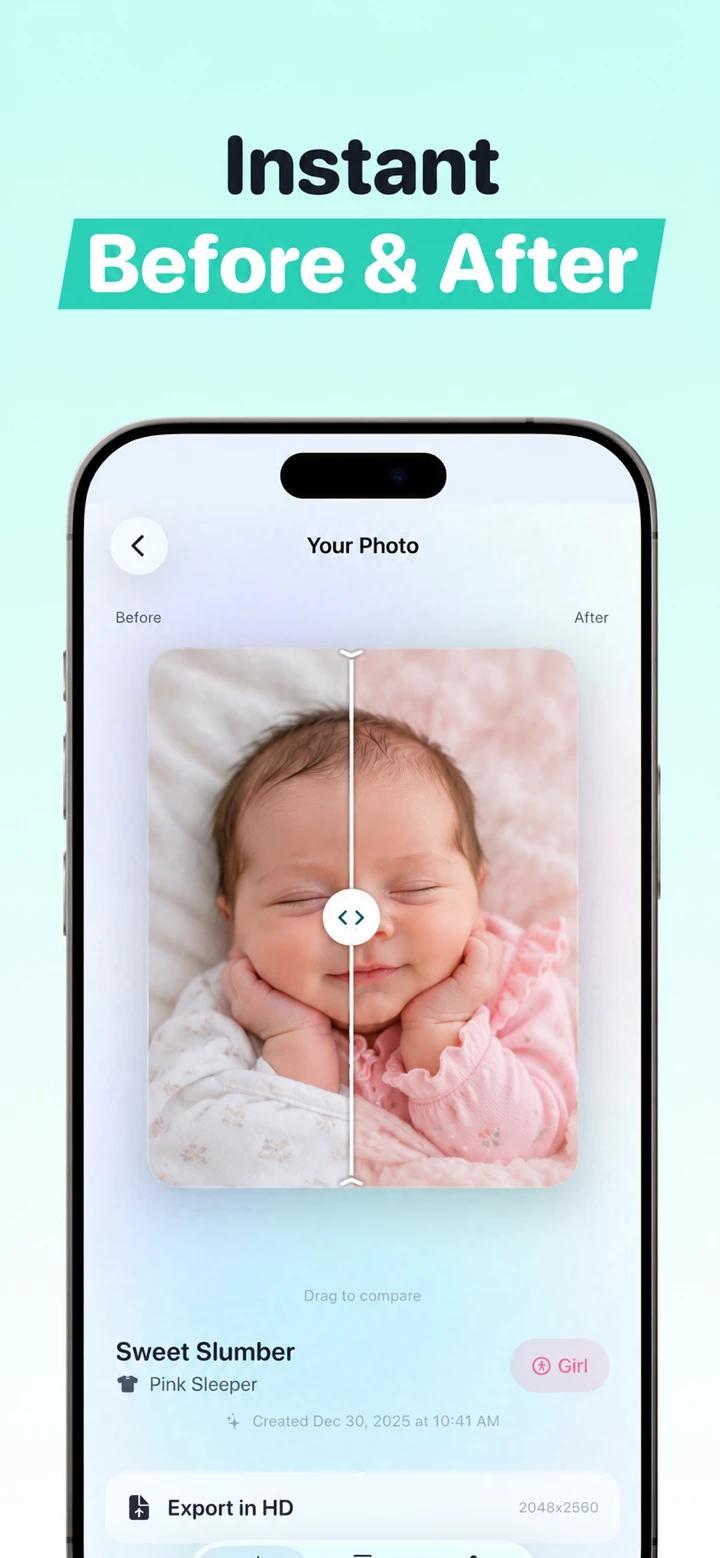
That inspection step matters. Zoom into eyes, fingers, ears, clothing edges, and any visible props. If a result changes a defining feature, discard it rather than presenting it as an exact record. Our AI newborn before-and-after guide explains a simple review routine.
What do the App Privacy labels say?
The App Store displayed developer-reported privacy labels for both products when checked. Apple explicitly says this information has not been verified by Apple and may vary with the features used or the user’s age. Baby Pics’ listing showed categories including identifiers used for tracking, identifiers linked to a user, and diagnostic information not linked to a user. Totti’s listing showed “Data Not Collected.” These are developer declarations, not our independent audit or a guarantee about every network service.
Important Totti disclosure: The App Store label and Totti’s linked developer privacy policy do not currently align cleanly. The policy separately says baby photos and selected milestone text are processed by Replicate; profiles can include names, birth dates and milestones; optional Apple cloud backup can include profiles and images; and service-provider retention can extend beyond generation. Do not rely on the label alone. Review both live disclosures before uploading. This article does not determine which App Store privacy categories should apply.
Before uploading a child’s image, read the live privacy policy, check whether processing involves upload, look for retention and deletion terms, and use a photo you have permission to edit. Avoid school names, home addresses, hospital identifiers, full birth details, or other private information in public posts. Our baby-photo privacy checklist gives questions to ask any editor.
Which one should you choose?
- Choose Totti for a guided AI portrait workflow, coordinated themed settings, outfit concepts, and repeatable generated milestone scenes.
- Choose Baby Pics for stickers, exact milestone text, filters, pregnancy-to-big-kid categories, and decoration that retains the captured setting.
- Use both types of workflow when you want one factual documentary frame and one clearly labeled creative keepsake.
- Choose neither for identity documents or proof of a real event. Keep an untouched original for factual records.
If you are still comparing AI-first tools, read Totti vs LittleCam, Totti vs NewPic, or Totti vs Remini. Parents who prefer a traditional milestone editor can also compare Totti vs Totsie.

Want to try the portrait workflow?
Totti is free to download with optional in-app purchases. Start with a clear photo you are allowed to use, choose a portrait or milestone theme, and inspect the generated result against the source before saving or sharing.
View Totti on the App Store