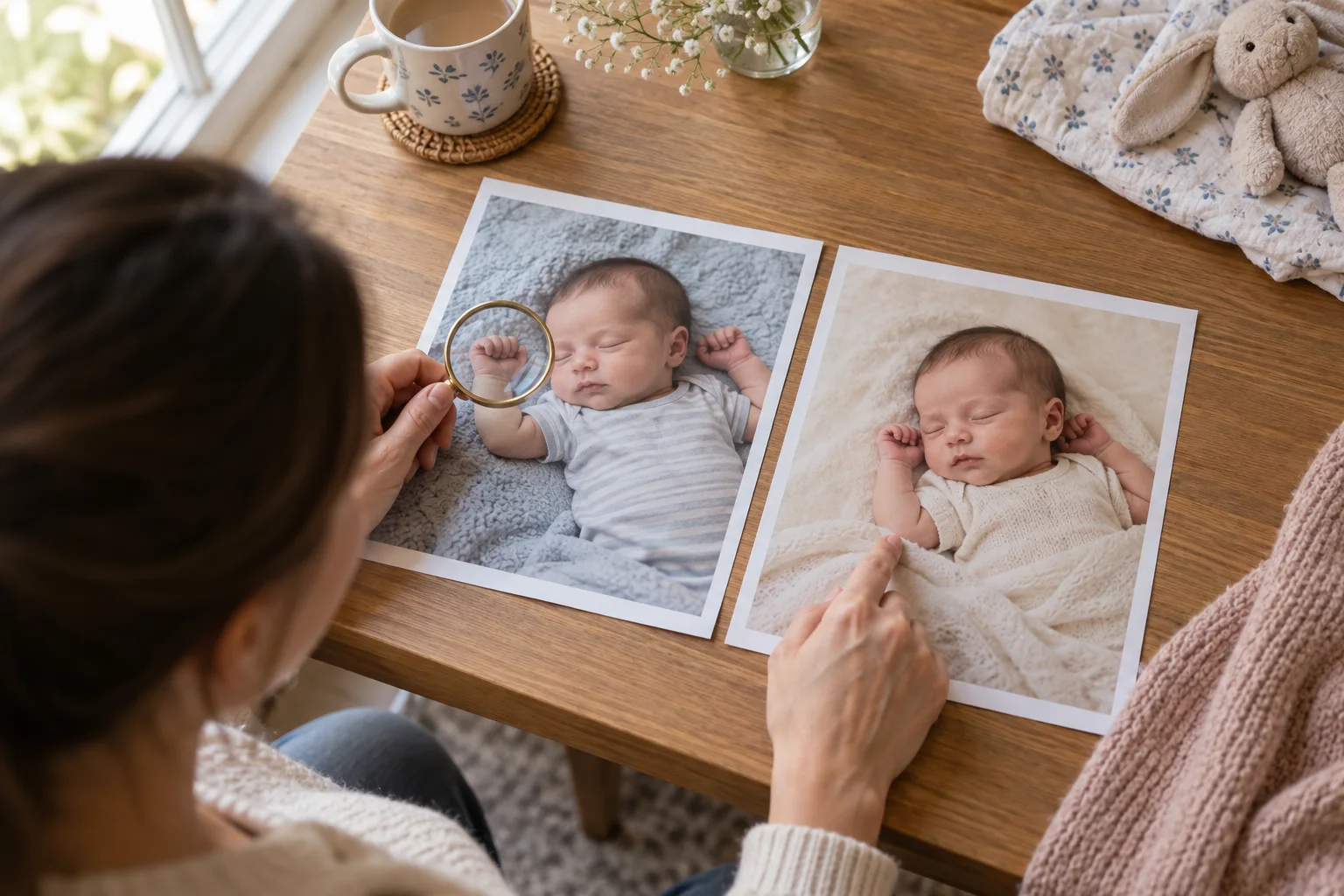
An AI newborn photoshoot before and after can show that the background, outfit or visual theme changed. It cannot prove that the result is always faithful, that another source photo will work equally well, or that a physically impossible pose became safe. The useful question is not “Does the after look polished?” It is “Can I explain every important difference, and does the baby still look like the same baby?”
This page uses current Totti promotional screenshots to demonstrate a review method. It is published by Totti, so it is not an independent product review. We did not run a new batch test for this article and do not present the screenshots as a success rate. That limitation is deliberate: a small, inspectable example is more useful than an invented score.
Ownership disclosure: Totti publishes this website and the screenshots below show Totti. They are product screenshots, not independent laboratory evidence. No competitor is ranked on this page, and no customer photo or private upload was used for this article.
Dated review methodology
| Review detail | What we did |
|---|---|
| Date | October 14, 2026. |
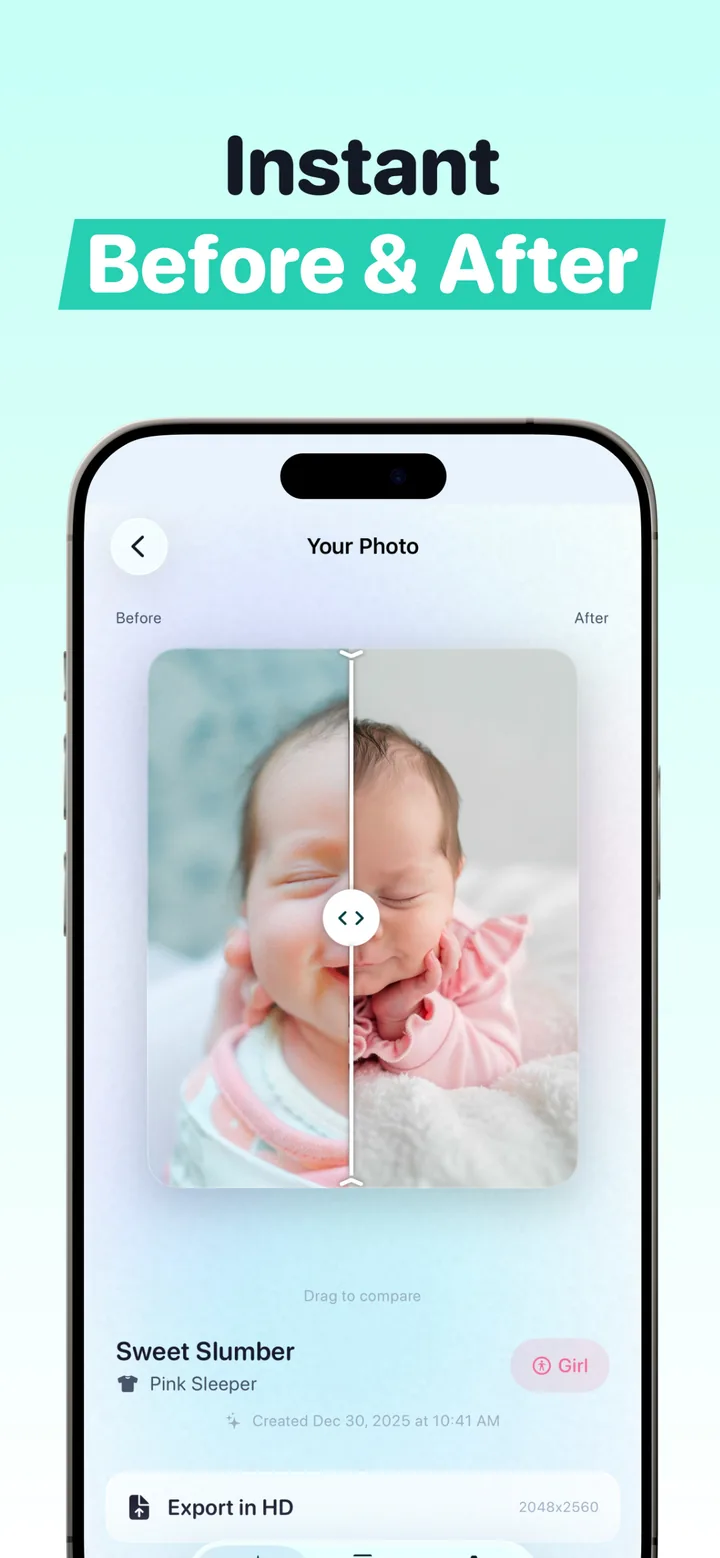
| Evidence | Two existing Totti product screenshots already published on this website: the Hello World before/after screen and the Sweet Slumber before/after screen. |
| New generations | None. We did not generate new portraits or claim a pass rate. |
| Inspection | Visual comparison of the face, hairline, visible hand, pose, background, clothing, light direction, edges and disclosure context at the resolution available in the screenshots. |
| Limits | A screenshot cannot reveal processing time, hidden retries, deleted outputs or behavior on other source photos. It is not a substitute for reviewing your own full-resolution source and export. |
What is visibly different in the example?
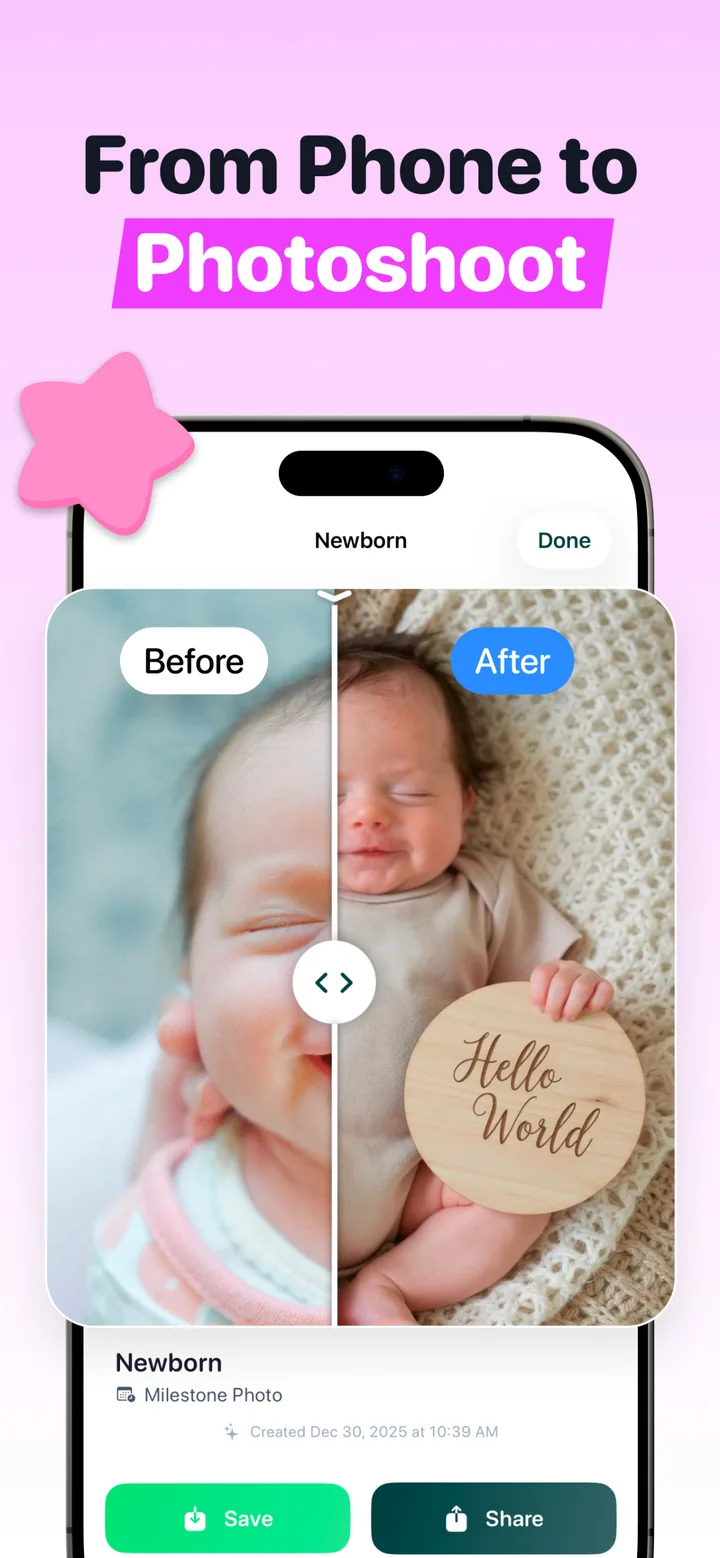
The right side visibly changes more than color and exposure. It presents a new cream setting, clothing treatment and wooden “Hello World” plaque. That makes the output a generated portrait, not documentary evidence of a physical newborn session. The facial expression appears similar at screenshot scale, but a full-resolution identity review would still be required before sharing.
The plaque wording happens to be readable in the screenshot. For names, dates, weight or other exact details, add verified text in a normal layout tool after generation. Image models can misspell or alter characters. The editing prompts article shows why preserving a blank text area is safer.
Six checks for every AI newborn before and after
1. Identity: look past the general resemblance
Compare eye spacing, nose shape, mouth, ears, hairline, skin marks and expression. “Cute” is not a review standard. If one feature feels unfamiliar, keep the source and reject the result. A clear starting image from our source-photo checklist makes this inspection easier.
2. Hands, feet and body connections
Count visible fingers and toes where the image shows them. Trace each limb into the body and each hand into a wrist. Check that clothing and blanket edges do not merge with skin. Newborn photographs contain small overlapping shapes that generative systems can misread.
3. Pose and support
A generated portrait can depict a position that was never physically photographed. Do not copy that pose with a real baby unless a qualified professional can perform it safely. Never ask an editor to erase a supporting adult hand just to simulate an unsupported setup. The newborn photography safety guide explains which visual cues deserve extra caution.
4. Light and scene logic
Shadows should point in one direction. The body should make believable contact with the surface. Plaques, blankets and clothing should not float or repeat. Hair and cheeks need a clean edge rather than a glowing halo.
5. Material changes
List the differences in plain language: new setting, new outfit, new prop, altered light. If a viewer could reasonably think those elements existed during a real session, the result deserves a simple “AI-styled” or “AI-generated setting” label.
6. Export and archive
Keep the untouched camera file. Export the generated version as a separate file instead of replacing the source. That preserves the real memory and makes future disclosure straightforward.
What one before-and-after cannot prove
- Consistency: one convincing result says nothing about ten different source photos.
- First-try success: a screenshot does not show how many outputs were rejected.
- Identity accuracy: screenshot scale can hide subtle facial drift visible at full resolution.
- Safety: a believable generated pose is still pixels, not a physical posing instruction.
- Privacy: visual quality does not reveal storage, retention, training or deletion practices.
Read the current policy and App Privacy section before uploading any child's image. Apple's privacy information is developer-supplied and is not the same as an independent technical audit. Our privacy checklist for AI baby photography gives the questions to ask.
A careful Totti workflow
- Choose an original, well-lit source in which the baby is already safely supported.
- Pick a template close to the source angle when preserving recognition matters most.
- Generate, then pause before saving. Do not judge from a thumbnail.
- Use the before-and-after control to inspect the face, hands, edges and physical support.
- Reject a result with unfamiliar features or impossible anatomy.
- Export separately and label material generated changes when sharing.
The broader AI newborn photoshoot guide covers the complete input-to-export workflow. If you want to understand what the $0 route includes before downloading, see the free-generator guide.

Compare before you keep the portrait
Totti starts from an existing baby photo and provides a before-and-after view. Free to download; optional in-app purchases. Results vary, so keep the source and inspect every export.
View Totti on the App StoreA disclosure sentence that does not spoil the memory
Use a caption such as “Portrait created from our phone photo with an AI-styled background” or “AI-styled keepsake; the original photo is in our family album.” That tells viewers what changed without turning a family post into a technical report. Never present a generated hospital, holiday or studio scene as an event that really happened.
The source preserves the moment. The generated portrait explores a visual interpretation. Keeping both makes that distinction honest.
