A successful baby name reveal photograph needs one unmistakable answer: the chosen name. Put that name on one readable card, plaque or keepsake, pair it with one meaningful subject, and remove everything that competes with it. The fastest reliable setup is an overhead photo of a large name card beside tiny shoes, with soft window light and open space around every edge.
This guide is about visual concepts and layouts. If the photograph is planned and you need the sentence that accompanies it, choose from the separate collection of baby name announcement quotes. For a full post-birth announcement with date and arrival details, use the birth announcement wording examples instead.
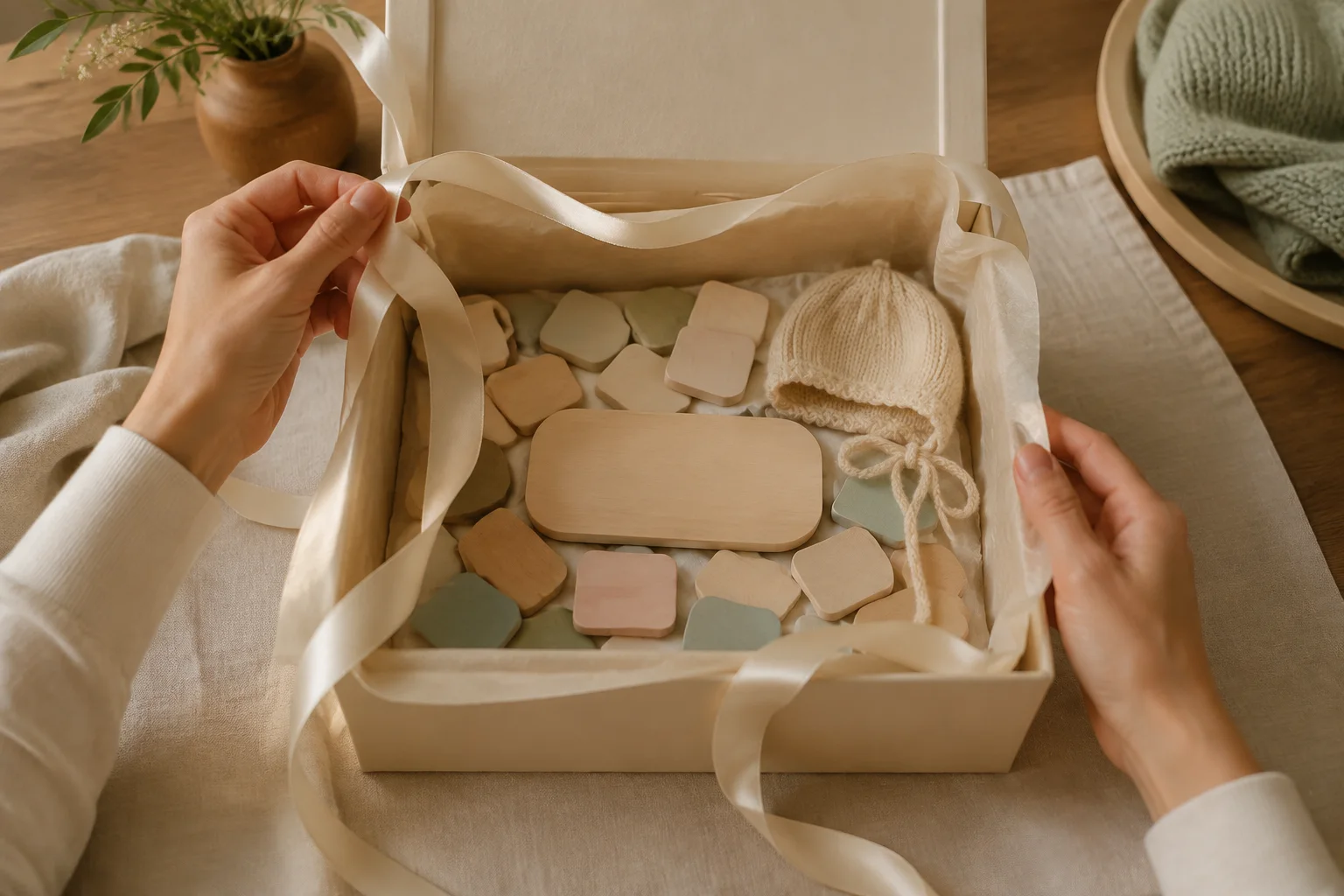
Choose the right name reveal format
Decide first whether the reveal happens during pregnancy, after birth or at a private gathering. That choice determines what belongs in the photograph and what should stay out.
| Reveal moment | Best subject | Name treatment | Privacy advantage |
|---|---|---|---|
| During pregnancy | Parents, bump, shoes or a nursery detail | Name on one card or textile | No baby image required |
| After birth | A real baby portrait or parent-held detail | Name beside, not over, the face | Crop to hands or feet if preferred |
| Sibling-led | Older child holding a lightweight sign | Large letters at chest height | Baby can remain off camera |
| Family gathering | The reaction before and after the answer | Envelope, covered frame or turned card | Share only with attendees |
| Digital-only post | Still life or one clean portrait | Name added in an accessible caption too | Audience and details can be limited |
Eight pregnancy baby name reveal ideas
- Tiny shoes and one large card. Place a pair of shoes below a card with the first name. Photograph straight down near a window, keeping the card parallel to the image edges.
- Parents holding the answer. Stand together against a plain wall and hold the name between you. Take one frame looking at the card and another looking at each other.
- Bump silhouette with a name in hand. Turn side-on to window light and hold a small plaque just beyond the bump, where it remains readable rather than disappearing into shadow.
- Nursery doorway preview. Hang the name print on the finished wall and photograph it through the doorway. Include one adult in the foreground so the image feels lived in rather than like a product listing.
- Storybook title page. Write the chosen name neatly on a removable page or blank card placed inside an open children’s book. Keep the actual book unmarked if it is a keepsake.
- One initial, then the full reveal. Publish a two-image carousel: the first frame shows a large initial; the second shows the full first name. Put the answer in the accompanying text so the reveal remains accessible.
- Ultrasound beside the name. Place the scan in a simple envelope or crop out clinic names, dates and patient details. The name card should be larger than the ultrasound so the purpose is clear.
- Seasonal color, timeless words. Use one seasonal branch, knit or flower color beside a plain name card. Avoid printing the year into a reusable nursery object unless that date matters to your family.
For the announcement photograph itself, the pregnancy announcement photo ideas page offers broader compositions with partners, children and pets. Keep this name reveal narrower: one chosen name is the visual event.
Seven after-birth name reveal photo ideas
Use a position the baby already uses comfortably. For a newborn, the safest simple options are a back-lying photo on a firm, flat, floor-level setup while awake and supervised, or an ordinary supported hold by an alert adult. Do not place loose letters, strings or heavy plaques within the baby’s reach.
- Parent-held portrait with a card. One adult supports the baby while another holds the name card below shoulder level. The result feels connected without balancing anything on the baby.
- Face and name in separate halves. Compose a horizontal frame with the baby on one side and a large flat card well beside the baby on the other. Keep an adult immediately present.
- Tiny hand near embroidered fabric. Photograph a personalized blanket or garment beside the baby’s hand, not draped over the face or placed in a sleep space.
- Faceless feet-and-name frame. Crop to the baby’s feet while an adult supports them, with the first name printed on a card in the background. This shares the news without sharing the face.
- Hospital bassinet card, care permitting. Photograph the existing name card and bassinet only when hospital policy and the care team allow it. Exclude labels, room numbers and other patients’ information.
- Homecoming doorway. A parent holds the baby inside the doorway while a name pennant hangs securely on the wall behind them, out of reach. Make the embrace the subject and the letters the answer.
- Portrait plus keepsake diptych. Pair one real baby portrait with a separate still life of the name, hospital bracelet and folded going-home outfit. Never place small keepsakes on or around the baby.
For privacy-first variations, these faceless baby photo ideas show how hands, feet, silhouettes and adult-held details can carry a complete family story.
Five sibling and family name reveal ideas
- Big sibling holds the sign. Seat the older child comfortably and give them a light card with large lettering. The baby does not need to be in the frame.
- Family roll-call board. List first names in order and leave the newest name as the final line. Photograph the family pointing toward it instead of requiring everyone to look at the lens.
- Read the name together. Ask a reading-age sibling to open an envelope and say the name. Use burst mode to preserve the reaction as well as the posed result.
- One new hook by the door. Hang labeled tote bags or jackets for family members, then add a small empty item labeled with the baby’s first name. This works before or after birth.
- Grandparent card turn. Let a grandparent turn a covered card toward the camera. Take one close frame of the answer and one wider frame of everyone reacting.
If an older child and newborn appear together, build the composition around adult support, not cooperation. The sibling and newborn photo guide gives low-pressure, supervised options.
Five simple digital and party reveals
- Envelope before-and-after. Photograph the sealed envelope first, then the revealed card. The two frames create anticipation without buying a single-use prop.
- Frame turned to the wall. Gather the family around a covered or reversed name print, record a short burst as it turns, then use the clearest reaction as the lead image.
- Projected name on a plain wall. Project large text behind the parents, check that it remains legible on skin and clothing, and take a clean backup photo of the name card in case the projector flickers.
- Three-slide social reveal. Slide one gives a clue, slide two shows the name, and slide three explains its meaning or pronunciation. Repeat the name in ordinary text, not only inside the artwork.
- Private video-call reveal. Hold the name close enough to the camera to read, pause, then lower it for reactions. Save a screenshot only after everyone agrees.
The name is the message. One clear answer, one supporting detail and one honest reaction will outlast a complicated reveal mechanism.
How do you photograph a readable name card?
- Use large, plain letters. A decorative script can become ambiguous at phone size, especially when two letters touch.
- Photograph square to the card. Keep the phone sensor parallel to the surface so the name does not narrow toward one edge.
- Leave crop room. Put important text well inside all four sides for portrait, square and story versions.
- Separate text from texture. A solid card on a quiet surface reads better than pale letters over a patterned blanket.
- Take a clean plate. Photograph the card by itself as a backup before people enter the frame.
- Check the thumbnail. View the image small. If you cannot read the name immediately, simplify the scene or move closer.
What details should stay private?
A public name reveal rarely needs a surname, exact due date, address, hospital, clinic information or appointment details. Share the first name alone if that completes the moment. Before using an ultrasound, crop or cover patient numbers, birth dates, barcodes and provider information. Before using a nursery doorway, look for house numbers, window views, school items and mail in the background.
Decide the audience before exporting. A full-name version can go to a closed family chat while a first-name or initial-only version goes to a broader feed. The audience framework in sharing baby photos safely makes that decision practical rather than all-or-nothing.
Can Totti help with an after-birth name reveal?
Totti can create a styled solo portrait from a real baby photo after birth. Upload one clear individual photograph, choose from 50+ photoshoot templates, and compare the generated result with the source before saving it. Recognizability is the aim, not a guarantee. Add the name later in your card layout or caption so the typography stays accurate.
Totti is not a prenatal baby generator and it does not create a real family reaction. Use your camera for pregnancy reveals, siblings and together photographs. For a post-birth reveal, the app can supply the separate studio-style portrait while your chosen card supplies the name.

Create the after-birth portrait
Upload a clear individual baby photo, choose from 50+ photoshoot templates, compare the generated portrait with the source, and export at 2048×2560. Totti is free to download for iPhone and requires iOS 17.0 or later.
Get Totti on the App StoreFinal name reveal checklist
- Choose pregnancy, after-birth, sibling or gathering format.
- Make the first name the only dominant text.
- Use one supporting object or interaction.
- Keep loose letters and props away from the baby.
- Inspect the frame for private medical and location details.
- Repeat the name in the message or social caption.
- Save one clean, full-resolution version without platform text.
A reveal does not become more meaningful because it is difficult to stage. Choose the concept you can prepare calmly, take the readable frame first, and keep the reaction that follows. That is the part nobody else can reproduce.
