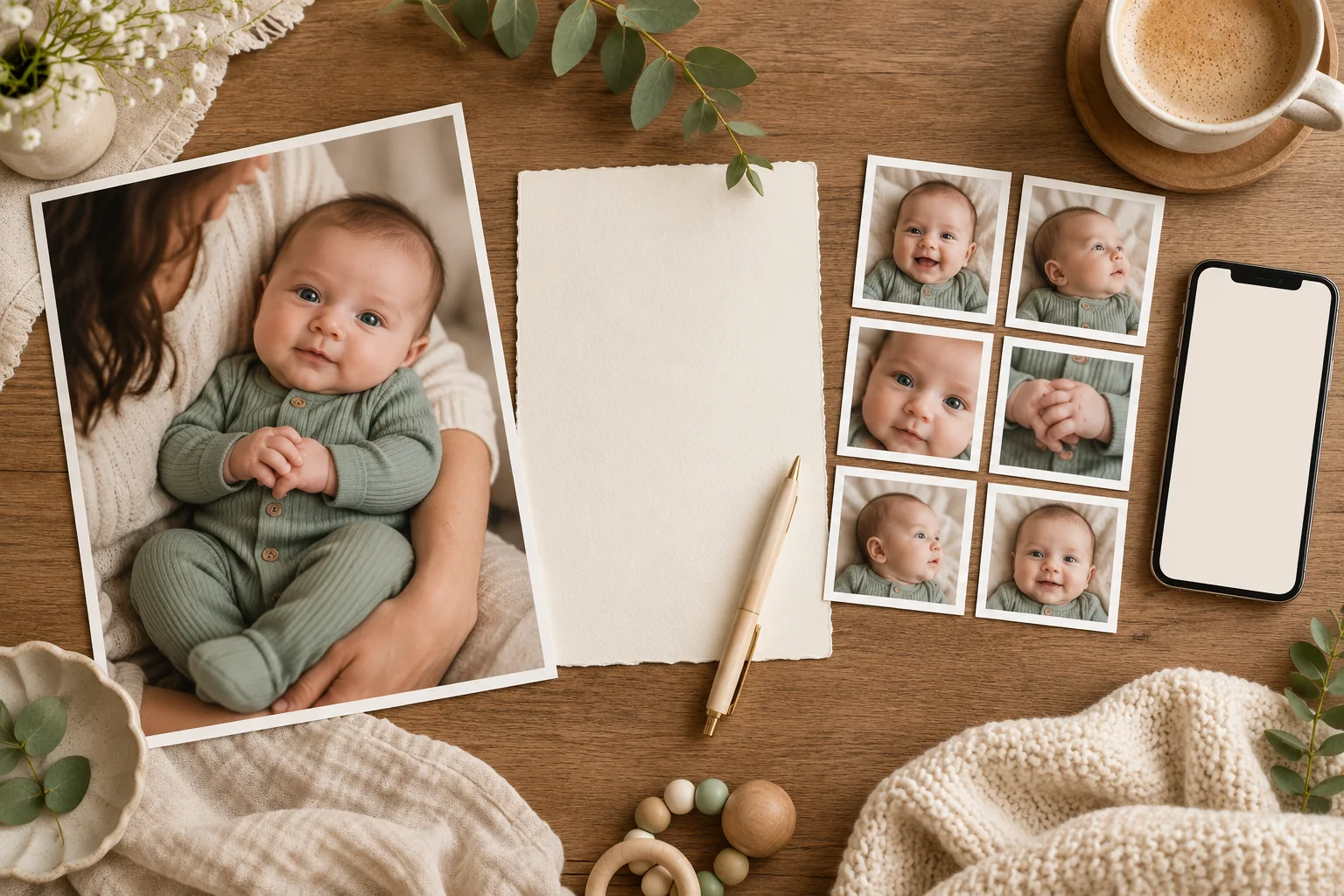
Choose ChatGPT when you want to describe a particular change and refine it in conversation. Choose Totti when you want a baby-focused portrait style to start from on iPhone. Both routes create images that need checking. For a simple crop or color adjustment, begin in Photos instead; you may already have everything you need.
Disclosure and method: Totti publishes this comparison. On November 1, 2026, we reviewed OpenAI’s image-workflow documentation and Totti’s U.S. App Store listing. This is a comparison of documented workflows, not a head-to-head image-quality, speed or usability test. The hero is an illustration. We receive no ChatGPT affiliate commission; product names belong to their owners and imply no endorsement.
Which workflow fits the unfinished job?
| Your task | A useful starting point |
|---|---|
| Explain an unusual background change in your own words | ChatGPT’s conversational image editing |
| Browse a collection built around baby portraits | Totti’s baby-focused styles |
| Use a template as a starting point | Both offer template workflows; their subjects and controls differ |
| Keep the actual moment and adjust brightness | Conventional photo adjustments before either generator |
| Add an exact name, date or invitation address | Editable text in a layout tool after the portrait is approved |
A useful choice starts with a sentence such as “I want the wall behind this parent-held photo to look calmer.” That is a different job from “I want to browse newborn portrait looks.” Neither sentence asks for a new baby, an invented family event or a prediction of a future child. See our real-photo versus future-baby generator explanation if those search terms have become confusing.
What does the ChatGPT route involve?
OpenAI documents uploading an existing picture, describing an edit, making follow-up requests and selecting a region to edit. It also documents image templates. It would be inaccurate to describe this as a choice between “ChatGPT has no templates” and “Totti has templates.” The distinction is the scope of the workflow and how much of the request you want to write yourself.
For a narrow background edit, write a request that names the allowed change and the protected details. For example: “Change only the distant wall to warm cream. Preserve the baby’s face, expression, hair, hands, clothing, pose and every supporting adult hand. Keep the existing light direction.” This gives you a short review brief: if something beyond the wall changes, you can see that the result departed from the request.
A conversation is useful when the first result helps you clarify what you meant. Perhaps “cozy” produced a darker room than you wanted. A specific follow-up—“use a lighter wall and keep the original exposure”—is easier to judge than another broad request for perfection. Return to the original upload if repeated edits begin changing the subject. Each iteration deserves a fresh comparison; approval of one image does not approve the next.
OpenAI notes that edits can extend beyond a selected area. A selection is a way to communicate intent, not proof that the face will remain untouched. Avoid building a long chain of small corrections around an already unfamiliar face. At that point, an unedited original or another source photo is often the better keepsake. Our baby photo editing prompts include narrow requests and original synthetic demonstrations.
What does the Totti route involve?
Totti’s listing describes a baby-photo workflow with 50+ portrait templates, virtual outfit ideas and milestone or seasonal themes. You start with an existing baby photo and choose a look. This fits a parent who would rather browse baby-focused choices than invent a detailed description of lighting, background and clothing.
Pick a style that broadly agrees with your source. An upright parent-held photo and a back-lying portrait are different starting points. Asking any generator to bridge a large pose difference creates more opportunities for invented anatomy and missing support. A template can narrow the creative decision, but it cannot remove the responsibility to inspect the baby and adult hands afterward.
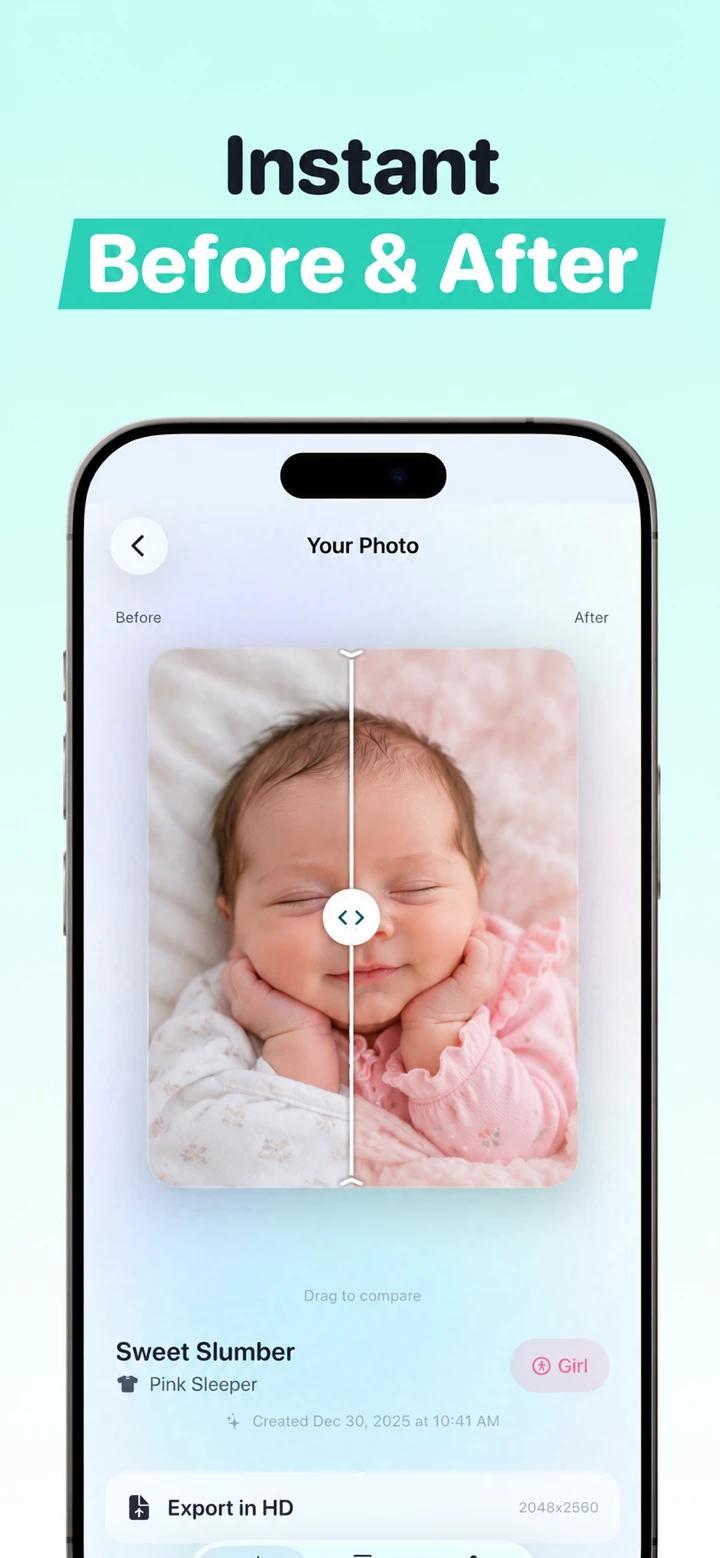
Totti is not documented here as a layer-based invitation designer or a way to type arbitrary instructions into the same editing workflow as ChatGPT. If you need a precise small local change, the conversational route may match your brief better. If you want a browsable portrait collection for a baby milestone, Totti may be the more direct starting point. The guide to choosing a portrait without writing a prompt explains that narrower job.
How would you approach the same family photo?
Imagine a clear photograph of a baby held by a seated parent. You like the expression, but the room has a distracting shelf. There are three sensible plans. First, crop the shelf out if the composition still works. Second, request a background-only cleanup in ChatGPT. Third, choose a Totti style if you want a visibly different portrait concept, rather than merely a corrected version of the room.
Do not treat those plans as interchangeable tests. A generated studio portrait can be attractive while being less faithful to the original setting. A simple crop can preserve the moment while offering fewer creative options. Decide whether you are making a documentary family photo or a labeled creative portrait before judging success. A backdrop you like is not evidence that the child’s features remained accurate.
For a fair personal comparison, keep one original, write the same intended outcome on a note and compare saved files at similar display sizes. Record which tool and style or request you used, the date, how many attempts you kept and what failed. This is a suggested method for your own decision; we have not performed that controlled trial for this article. Avoid uploading a child’s image to several services merely to create a contest if you are not comfortable with each service’s terms.
What should you check before keeping a result?
- Recognition: compare the eyes, nose, mouth, ears, hairline and natural marks. If the baby feels unfamiliar, discard it.
- Hands and support: follow each visible finger, arm and contact point. Do not approve an image that removes an adult’s supporting hand.
- Clothing and edges: look for merged sleeves, strange fasteners and fabric that crosses the body incorrectly.
- Light: inspect whether shadows and background brightness agree with the subject.
- Facts: add verified words afterward. A generated date or milestone number is still something to proofread.
- Context: label a materially generated setting or outfit where viewers could mistake it for a real session.
These checks are acceptance criteria, not a promise that a result will pass. Sometimes the strongest choice is the original with a modest crop. Keep it in your photo library so a themed portrait never becomes the only record of that day.
What should you check about cost and uploads?
Totti is free to download with optional in-app purchases. ChatGPT image access, limits and paid options depend on the current account offering. Neither a free download nor the availability of an image feature establishes unlimited free edits. Check the actual purchase screen and remaining allowance before promising relatives a finished card that evening. Our free-generator guide distinguishes download price, observed free access and premium choices.
Before uploading, read the current service’s processing, retention and account-control disclosures. Do not infer that an iPhone app runs every operation locally. Totti’s website privacy page explains its available disclosures and their limits; OpenAI’s Data Controls FAQ explains account controls. A control you have not checked should not become a privacy claim in your family message.
Use a source without a hospital band, medical paperwork, a home address or another person you do not have permission to include. Uploading fewer details is a useful practical choice even when a service provides account controls. For a face-hidden public announcement, use a detail crop or opaque cover in a separate file; generating a different-looking face is not reliable anonymization.
A decision you can make before opening either app
For a time-sensitive card, finish one small trial before planning the rest of the design. Check that you can open the saved portrait, place it into the intended layout and read the final text at phone size. That small end-to-end check is more useful than browsing dozens of attractive examples without confirming that the export fits your project. If the existing photo already does the job, keep it and spend the remaining time on the message.
Write down what remains unfinished: a distracting object, a new portrait concept, a milestone label or a finished announcement layout. Use ChatGPT for an edit you want to describe and refine; consider Totti for baby-focused portrait styles; use a layout tool for precise text. You can also stop after a conventional adjustment. The best workflow is the shortest one that gives you a result you recognize and can share honestly.
If you are comparing a different conversational editor, our Gemini versus Totti guide looks more closely at reference planning and account availability. For a seasonal idea you can inspect before trying, see the Christmas prompt examples, with one synthetic source and three documented ImageGen edits.

Prefer a guided baby portrait workflow?
Explore Totti’s baby-focused styles on iPhone, then compare the portrait with your original before saving. Free to download; optional in-app purchases.
View Totti on the App StoreFor iPhone. Free to download; optional in-app purchases. Check current availability and terms before uploading a photo.
