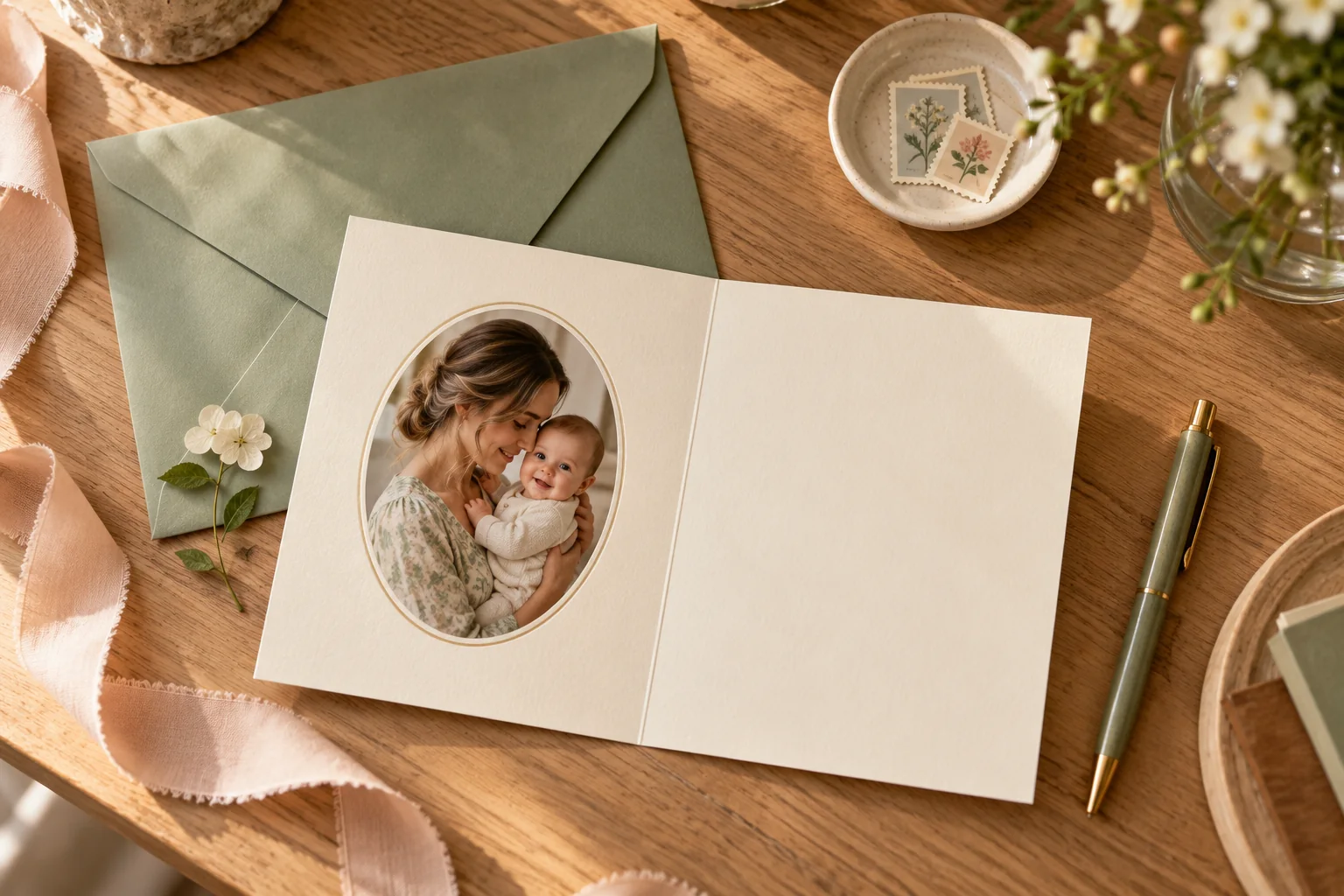
A good baby shower thank-you card names the kindness before it shows the photograph. Write one specific sentence about the gift or help, add a warm line from your family and use a photo only if it is ready. You do not need to wait for a newborn portrait to say thank you.
The wording and layouts below are original examples. They are ideas to adapt, not etiquette deadlines or promises about a printing service. Totti can help create an optional portrait later; it does not design, print or mail thank-you cards.
Which photo belongs on the card?
A shower photo works when you want to thank guests soon after the celebration. Choose a picture that feels personal without putting several unconsulted guests on every card. A quiet photo of the parents, a detail from the table or a permitted group photo can be enough. If the baby has already arrived, an ordinary supported cuddle may feel more natural than arranging a new session.
There is also a no-photo option: a clean card with a thoughtful message. If selecting an image is delaying every note, send the words first and share a photograph later. Gratitude does not become more sincere because the portrait has a particular background.
For baby images, keep clothing and support appropriate to the original moment. Remove the medical paperwork from the frame before taking the photograph; do not build the card around a hospital record. Our baby shower photo guide covers documenting the event, while this page focuses on the finished thank-you.
A three-sentence wording formula
- Name the gesture: “Thank you for the lovely knitted cardigan.”
- Add the personal detail: “We know how much time went into making it.”
- Close warmly: “We’re looking forward to introducing you to our little one.”
You do not need to claim you have used a gift when you have not. “We’re looking forward to using it” is honest and specific. For help or a shared expense, name the kindness without publishing amounts, payment details or a list of what other guests gave.
For a practical gift
Thank you for the soft blankets and for celebrating with us. We have them ready for the busy weeks ahead. It means a lot to feel so supported.
For someone who organized the shower
Thank you for putting so much care into our shower. The afternoon felt relaxed and full of people we love. We’re grateful for the time and thought you gave us.
For someone who could not attend
Thank you for thinking of us and for the lovely gift. We missed seeing you at the shower and hope we can catch up when things settle. Sending love from our family.
For help after the baby arrives
Thank you for the meal and the quiet help this week. Having one less thing to organize made a difference. We’re very glad you’re part of our little one’s life.
Change words you would not normally use. A plain “That was so thoughtful” can sound more like you than a formal line copied unchanged. For an announcement that accompanies the thanks, choose one short line from our announcement wording collection, rather than turning the whole note into a birth announcement.
Three photo layouts that leave room for the message
A small portrait on the front
Use one photo above a short “Thank you” heading and keep the personal note inside. This works when every recipient will get a different message. Leave generous margins so a small print trim does not crowd the face or hands.
A photo strip beside the note
Place a tall detail crop beside three or four lines of text. Covered feet or a hand detail can work if you do not want a face on the card. The faceless announcement layouts offer adaptable composition ideas, though the wording needs changing for a thank-you.
A shower photo with a handwritten reverse
Use an event photo on one side and leave the other side mostly blank for handwriting. Keep one or two cards aside for a pen test before writing the whole batch; coated surfaces differ. Ask your printer which paper accepts the type of pen you plan to use.
Create the portrait, then compose the card
If you want a styled baby portrait, use an existing clear photo in Totti and choose from the currently available looks. Review eyes, hands, clothes and support against the source. Keep the approved export, then bring it into a layout editor for the exact words. Do not rely on generated lettering for a recipient’s name.
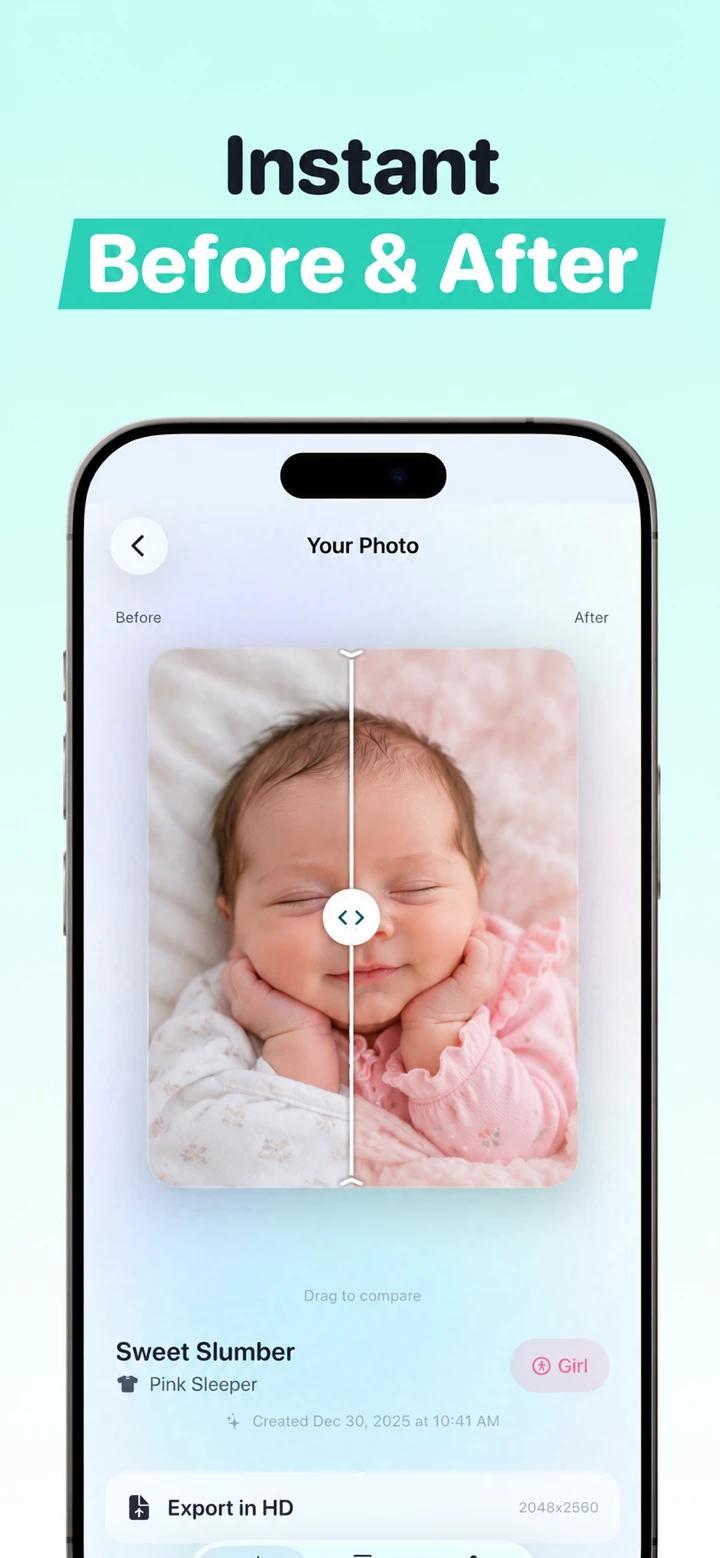
Before ordering, confirm the finished size, safe area, bleed and file format with the printer. View the design at roughly the size someone will hold it. If the photo needs a long explanation or the message needs tiny type, simplify it. Our photo printing guide covers source resolution and proofing; the iPhone announcement workflow explains the portrait-and-layout sequence.
A calm way to finish the batch
Keep a private list of recipients, gifts or help, and whether you sent a note. Use that list to make each message accurate; do not upload it into a public template or screenshot it for the card. Proofread names separately from the photo and check each envelope against the intended recipient.
If you are late, send the thanks without an elaborate explanation. If you are sharing digitally, choose the recipients and send the actual finished image rather than a design-editor link. A specific, readable message matters more than matching every card to a perfect photograph.

Need a portrait for a later thank-you card?
Use Totti to explore a styled portrait from an existing baby photo, then add your own words in a layout editor. Free to download for iPhone; optional in-app purchases.
View Totti on the App StoreFor iPhone. Free to download; optional in-app purchases. Check current availability and terms before uploading a photo.
