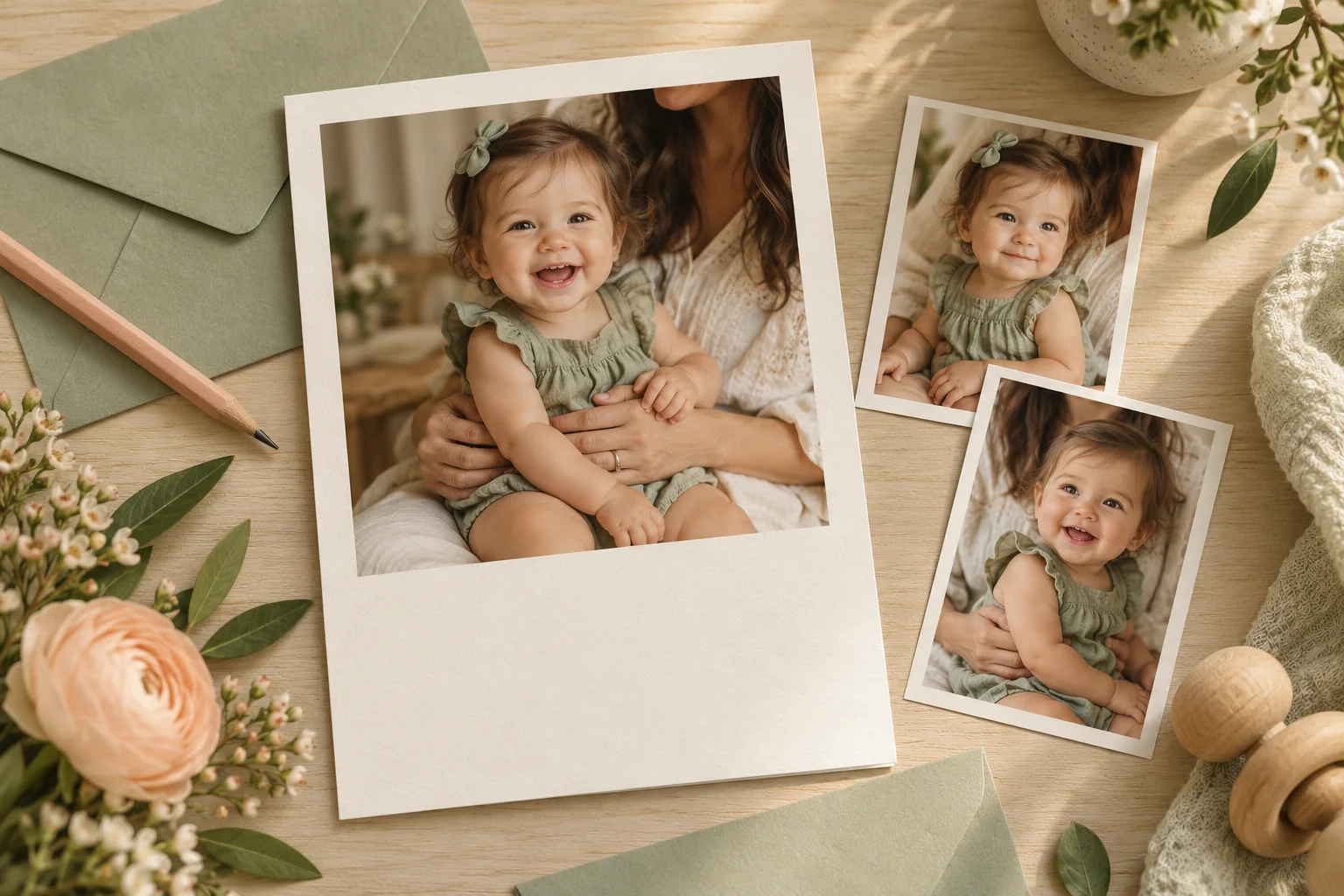
Choose the invitation size before cropping the first-birthday photo. Then add the event details as readable text and make a private version for guests. If you also want a public birthday post, leave the location and RSVP contact off that copy.
A photo invitation does not require a new photoshoot. A recent picture with a recognizable expression often works better than waiting for a perfectly themed image. Totti is an optional portrait step; you will still need a layout editor for the invitation’s words and format.
Choose a photo that can survive the crop
Start with the full-resolution file rather than a screenshot from a chat. Look for a clear face, comfortable clothing and enough room around the head and hands. For a parent-held picture, include enough of the adult’s support to keep the scene understandable. Do not use a frame merely because a smile looks right if the hand or arm at the edge is awkwardly cut off.
Try the same photograph in a square and a tall crop before choosing a template. A wide family portrait may suit a landscape invitation; a close portrait may fit a top-photo, lower-text design. If you need to crop away nearly everyone or enlarge a tiny face, use another picture instead of asking AI to invent the missing edges.
Our first birthday photo ideas cover making the source image. This guide starts once you have a photograph and need an invitation people can read and respond to.
Three invitation layouts that work on phones
Photo above, details below
Use the upper half for a portrait and a plain lower panel for the name, date and time. This is the easiest layout when the photograph is visually busy. The text does not compete with clothing or a colorful background.
Portrait beside a details column
A tall photo on one side and a simple text column on the other can suit a printed card. Check it on a phone before committing: side-by-side columns become narrow quickly. If you need tiny text to make everything fit, move to a stacked version.
Small portrait, large event details
A small circular or rectangular portrait above the invitation heading keeps the birthday child present while giving the practical information most of the page. Keep faces away from the crop edge, especially if a circular frame removes the corners.
Wording you can fill in without a rhyme
Please join us to celebrate [first name] turning one.
[Day and date] · [start time and time zone if needed]
[Private venue details]
Please reply to [host] by [reply date].
[Optional practical note]
The practical note should answer something guests actually need to know: whether siblings are welcome, whether the party is outdoors or whether there is an access instruction. Send sensitive access codes separately. A short invitation can leave room for those details without becoming a page of rules.
For a warm heading, try “A little celebration for a whole year of you,” “One year, lots of love” or “Come celebrate our first year together.” These are original lines, not quotations from songs or books. If your family prefers plain language, “You’re invited to a first birthday” works perfectly well.
Make private and public versions separately
The guest invitation can contain the venue and an RSVP route. A public birthday post usually does not need either. Do not rely on a tiny cover sticker placed over the address in a screenshot of the private version. Export a separate public layout with those text fields removed and open that exact file to check it.
Think about the photograph’s background too. A home number or location clue can be visible even when you remove the typed address. Ask permission before including other children or adults. A faceless detail photo is an option if you want a more private public post, though the account and wording can still identify the family.
Use a portrait app only if the portrait needs changing
If you want a different portrait style, start with the clear source in Totti and browse the current baby-focused looks. Check the generated face, fingers, clothing and support before exporting. Keep the original and label a materially generated scene where it could be mistaken for a real birthday session.
Then move the approved image into your layout tool and type the event details as real text. Totti’s listing does not establish an invitation designer, RSVP system or card-printing service. The portrait-versus-layout comparison explains how the two stages fit together, even when the occasion is a birthday rather than a birth announcement.
The pre-send proof that catches useful mistakes
- Read the date and day together and confirm they match your actual plan.
- Check the start time, venue, RSVP route and reply date with the host.
- Read the invitation at phone size without zooming.
- Inspect the photo at full size for awkward crops or generated artifacts.
- Open the exact private or public export you intend to attach.
- For print, confirm trim, bleed and safe margins with the supplier before ordering.
Keep a plain-text version of the event details as well. It is easier to search, copy into a calendar or read with assistive technology than text embedded in a picture. You can send the image for the celebration and the text for the practical details. Our print preparation guide helps if you plan to keep a paper copy in the birthday album.

Create the portrait before you build the invitation
Try a baby-focused portrait style in Totti, review the result closely, then place the approved image and event details in your preferred layout editor.
View Totti on the App StoreFor iPhone. Free to download; optional in-app purchases. Check current availability and terms before uploading a photo.
