The best photo for an AI baby generator is not necessarily the prettiest one in your camera roll. It is the file that gives the tool the least room to guess: one clearly visible baby, natural light, sharp eyes or eyelashes, an ordinary supported pose and enough space around the body. If a photo already hides half the face, clips the feet and blurs the hands, a model has to invent more of the result.
This checklist is for tools that restyle a photo of a baby who already exists. It does not apply to a “future baby” predictor made from two adult photos. If that distinction is new, read our real-photo versus future-baby generator guide before uploading anything.
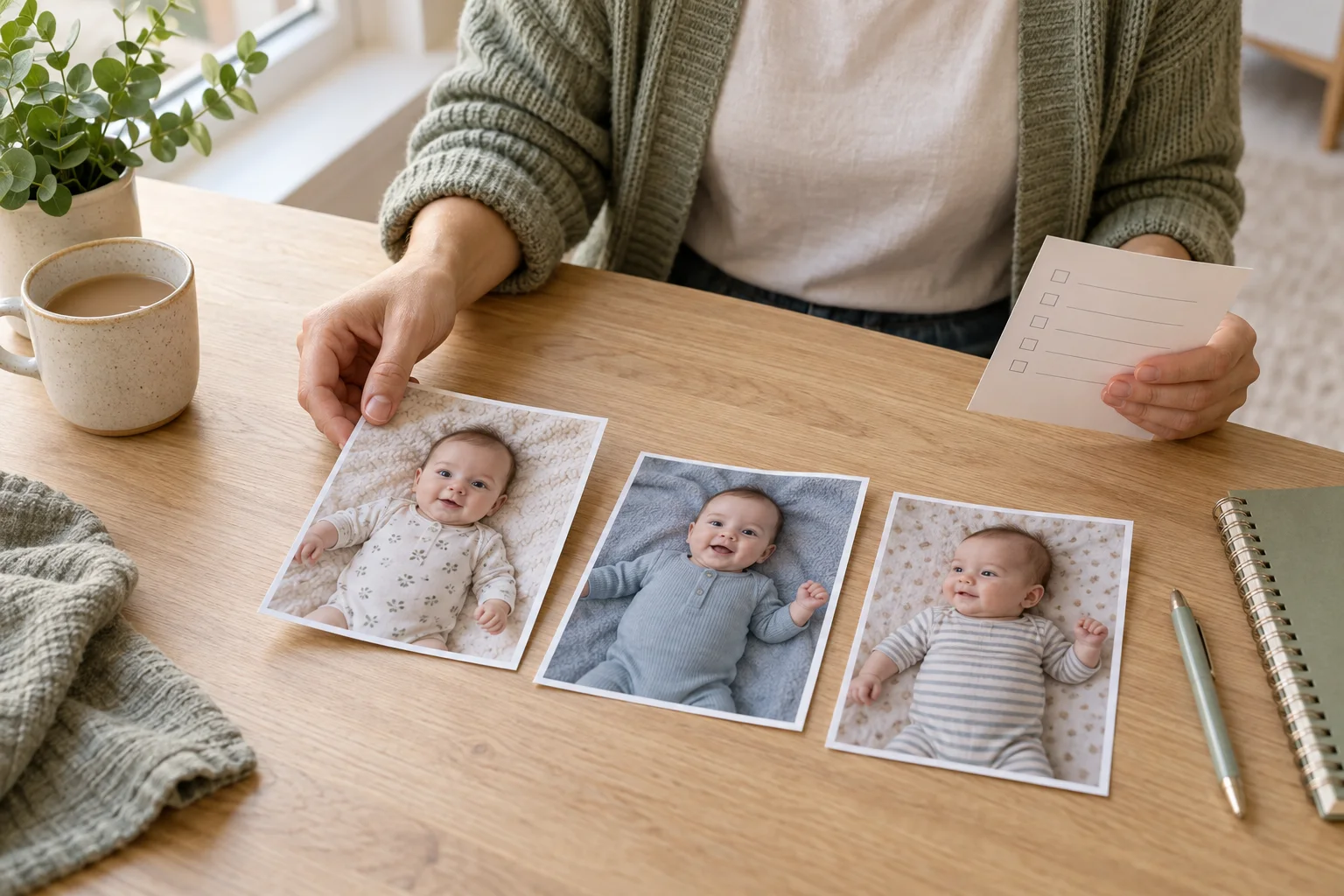
The 20-second answer
Choose an original, full-resolution image taken near a window, with the baby's whole face in focus and no hand, pacifier, blanket edge or deep shadow covering important features. A calm awake expression or relaxed sleeping face is easier to evaluate than a yawn or mid-cry grimace. Keep the real supporting adult hand visible when it is part of a safe pose.
Do not upload a hospital document, passport photo, school record or image with an identity band, address or medical information. A technically perfect source can still be the wrong photo to share with an online service.
The 12-point source-photo checklist
- The face is large enough to inspect. A face that occupies roughly a quarter of the image gives you more real detail to compare afterward. A tiny face in a wide room shot leaves the model guessing.
- At least one eye area is clear. Sleeping babies do not need open eyes; eyelashes, lids, brows and the bridge of the nose should still be recognizable. Avoid motion smear.
- Focus lands on the baby, not the blanket. Pinch-zoom before uploading. If fabric looks crisp but facial features do not, choose another frame from the burst or Live Photo.
- Light is soft and even. Window light from the side is useful. Direct sun, a ceiling spotlight or mixed orange-and-blue light can create hard patches that are difficult to reconcile.
- No important feature is covered. Pacifiers, mittened hands over the face and blankets across the chin can be charming in the original but give a restyling model less identity information.
- The pose is ordinary and safely supported. Use a real floor-level or securely held source. Never create a risky pose for the sake of an edit, and never digitally remove a hand that is physically supporting the baby.
- Hands and feet are not cut through. Crop through empty space rather than wrists, ankles, fingertips or toes. Generative tools commonly struggle at partial limbs and frame edges.
- Only one baby is the clear subject. A sibling or parent can remain when the goal includes them, but a one-person portrait is simpler for a single-baby template. Never assume the app will preserve two identities equally.
- The file is the original size. Use the camera file rather than a screenshot from a message thread. Repeated sharing can compress hair, skin and fabric into blocky detail.
- There is breathing room around the body. Leave some background above the head and beside the shoulders. A very tight crop limits vertical, square and card layouts.
- The image has not already been heavily filtered. Face smoothing, artificial blur and extreme color presets remove the texture you need to judge whether the generated portrait still resembles the source.
- No private detail appears in the frame. Check reflective surfaces, envelopes, hospital bands, name boards, calendars and location clues—not just the baby.
A strong source photo does not guarantee a faithful result. It simply makes the final identity check fairer and easier.
Good input versus a difficult input
| Feature | Easier source | Difficult source |
|---|---|---|
| Face | Front or gentle three-quarter angle | Profile hidden by blanket or shoulder |
| Light | One soft window-light direction | Direct flash plus orange room light |
| Focus | Eyes, lashes and hairline readable | Motion blur or digital zoom |
| Pose | Safely held or lying on a firm floor-level setup | Unsupported elevated prop or composited-looking pose |
| Crop | Space around head, hands and feet | Fingers or head clipped at the frame |
If the only meaningful photo is imperfect, preserve it as it is. Use conventional crop, exposure and white-balance adjustments first; our iPhone newborn photo editing guide explains that gentler route. Generative restyling is optional, not a repair obligation.
What the Totti workflow actually asks you to choose
In Totti, you start from an existing baby photo, then choose a visual template. The current template screen groups options into categories such as Classic, Cozy and Outdoor. A template is a creative direction, not a promise that every facial detail will remain unchanged.
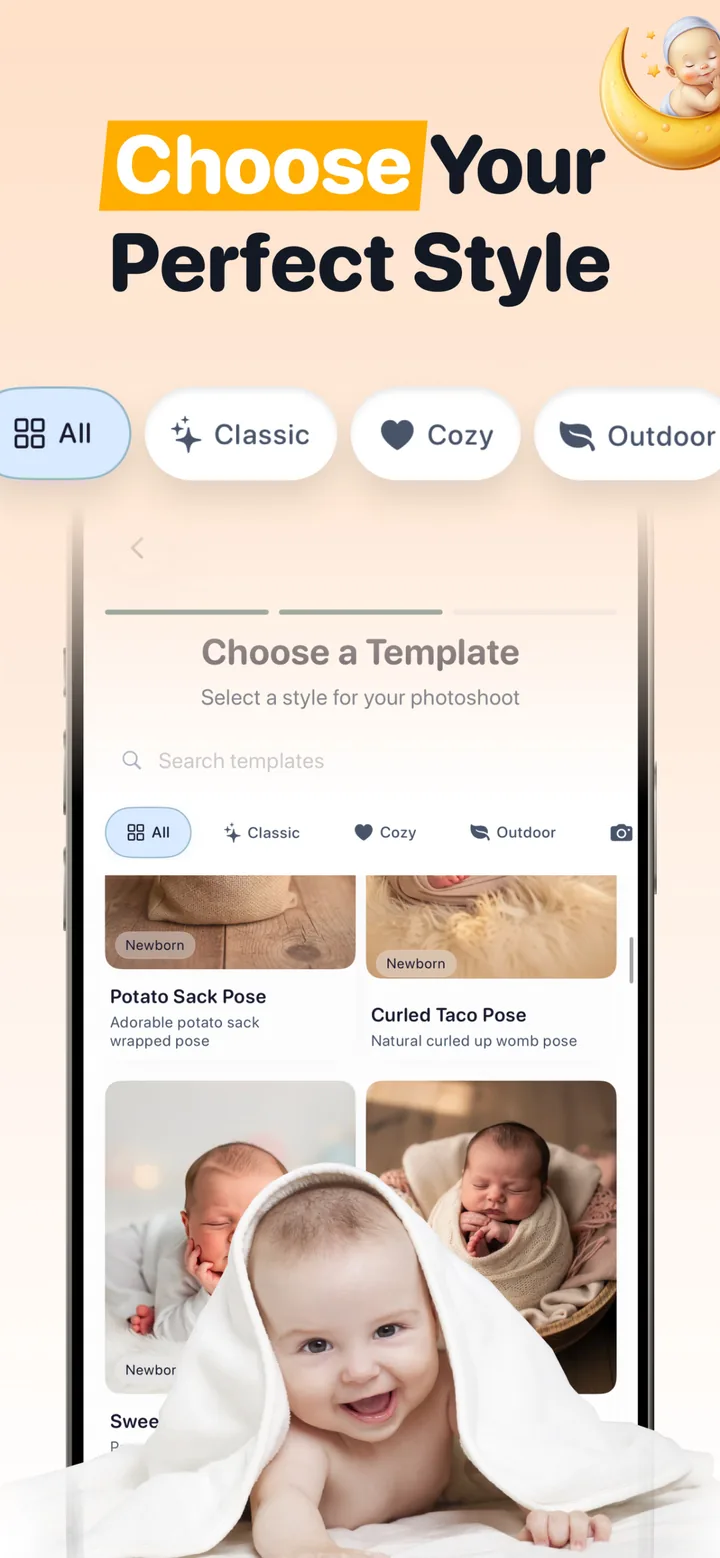
For a first attempt, select a template that roughly agrees with the source angle and body position. Large changes in pose, camera angle and clothing require more reconstruction. If your priority is recognition rather than novelty, begin with a closer visual match.

Start with one clear photo
Free to download; optional in-app purchases. Select an existing baby photo, choose a template and compare the generated portrait with the source before saving or sharing it.
View Totti on the App StoreDo the privacy check before the image-quality check
Open the current privacy policy and App Privacy section before uploading. Look for where images are processed, how long files are retained, whether submissions may be used to train models, which service providers receive them and how deletion works. Apple's privacy labels are supplied by developers; they are a useful starting point, not an independent audit.
Get permission from the parent or guardian and every recognizable adult. Avoid medical imagery and official identification. Our AI baby photo privacy guide has the full provider checklist, while the free AI baby photo generator guide documents Totti's current free and premium boundary.
The five checks after generation
- Face: compare eye shape, nose, mouth, ears, hairline, expression and distinctive marks.
- Anatomy: count visible fingers and toes; trace every arm and leg to a believable connection.
- Support: confirm the pose still makes physical sense and no necessary adult hand disappeared.
- Edges and light: inspect hair, cheeks, clothing and shadows for melting, duplication or conflicting directions.
- Truthfulness: label a materially generated setting or outfit when viewers could mistake it for a real session.
For more precise review language, use the source/result method in our baby photo editing prompts and examples. Keep the untouched source in your library even when you love the generated version.
