What should a baby wear for birth announcement photos? Usually, the quietest option in the drawer: a solid sleeper, plain bodysuit or familiar wrap that fits comfortably and leaves the face unobstructed. The announcement already carries the name, date and news. The outfit should support that message rather than compete with it.
These birth announcement outfit ideas are organized by the photograph you want to make—not by gender rules. Choose the palette that fits your family, wash the garment first and keep a simple backup nearby.
Choose the photograph before the clothes
Decide where the words will sit. A square social post often needs open background above or beside the baby. A vertical story leaves room at the top and bottom. A printed 5×7 card may crop more tightly. The birth announcement photo guide includes practical layouts for each format.
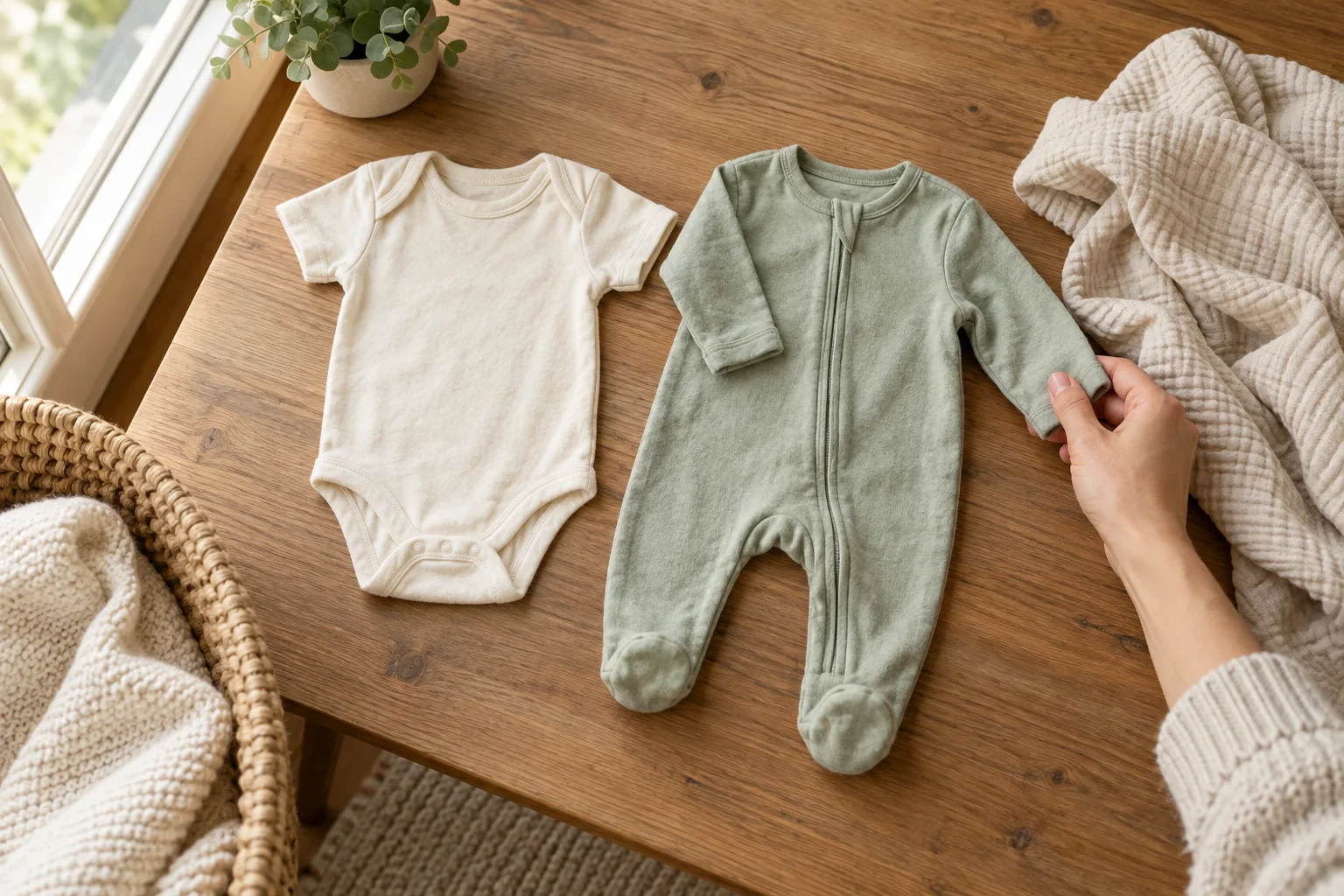
Then choose a garment that separates gently from the background. Cream on a warm wood floor, sage against ivory, dusty blue against soft gray or muted rose against oatmeal all preserve skin tones while keeping text readable. Solid mid-light colors are forgiving; pure white can lose detail and saturated red can cast color onto skin.
20 birth announcement outfit ideas
1. Cream ribbed sleeper
Texture gives a plain color depth without making the outfit the headline. Pair with a warm gray or wooden background.
2. Sage footed sleeper
Sage feels calm on screen and print, works across seasons and leaves plenty of options for white or dark-green type.
3. Plain white bodysuit
Use an oatmeal, wood or pale-color backdrop so the garment retains its outline. Expose for the baby's face, not the white fabric.
4. Oatmeal knit romper
A soft, simple knit photographs as cozy without requiring extra props. Check that no trim, button or seam irritates the baby.
5. Dusty blue cotton sleeper
Pair it with cream and charcoal rather than filling the frame with multiple blues.
6. Muted rose one-piece
Use a neutral background so pink remains an accent rather than a color cast over the whole image.
7. Soft gray wrap
A gray wrap creates a quiet base for names and dates. Use the family's normal safe wrapping approach and keep fabric clear of the face.
8. Natural muslin wrap
The small woven texture reads well in close-ups. Photograph while the baby is securely held or during a brief, supervised floor setup.
9. A going-home outfit
The emotional history matters more than perfect styling. A simple outfit already attached to the day makes the announcement personal.
10. A hand-knit family piece
Use it only if it fits safely and comfortably. Keep loose ties, pom-poms and decorative pieces away from the baby's hands and face.
11. One subtle floral
Choose a small, low-contrast print and leave the rest of the frame plain. Place type in a solid area, never over the pattern.
12. Fine stripe with room to breathe
A broad, low-contrast stripe can work; very tight stripes may create moiré on screens. Test one phone photo before the session.
13. Seasonal color, not a costume
Rust for autumn, evergreen for winter or pale yellow for spring can signal the season without turning the baby into a theme prop.
14. One-piece with a removable cardigan
Take the main portrait in the simple base, then add the cardigan only if the baby remains comfortable. One change is plenty.
15. Sibling-coordinated neutrals
Choose a shared palette—cream, denim and sage, for example—rather than identical outfits. Keep the newborn held by an adult while siblings gather beside them.
16. Parent-and-baby tonal look
A parent in charcoal with a baby in gray, or a parent in oatmeal with a baby in cream, creates connection without looking like a uniform.
17. Diaper cover plus secure adult hold
Use only in a warm room and keep the baby held or covered between frames. Comfort takes priority over showing skin.
18. Plain sleeper plus heirloom blanket in the background
The blanket can add family meaning behind or beneath a securely held baby. Do not use loose bedding as a sleep setup.
19. Everyday sleeper with a designed card border
Let typography and a digital border create the formal look. This is useful when the only calm photo happened in ordinary clothes.
20. Virtual outfit on a clearly labeled creative portrait
If changing clothes would disturb the baby, use one clear source photo and explore a digital wardrobe. Treat the output as AI-styled artwork, keep the original and inspect every detail.
Match outfit contrast to the announcement format
| Format | Outfit choice | Framing note |
|---|---|---|
| Square feed post | One solid mid-light tone | Leave space beside the baby for short text |
| Vertical story | Simple sleeper or wrap | Keep important details away from top and bottom UI areas |
| 5×7 printed card | Texture over pattern | Allow extra edge space for printer trimming |
| Message preview | High separation from background | The face must remain readable at thumbnail size |
Once the image is chosen, use the wording framework in birth announcement wording examples. Keep names and dates in live design text rather than asking image generation to render important spelling.
What to leave out of a birth announcement outfit
- Large slogans that compete with the baby's name
- Stiff collars, scratchy lace, sequins and rough fasteners
- Loose bows, necklaces, pacifier clips and detachable decorations
- Oversized hoods or hats that crowd the face
- Dense high-contrast patterns behind announcement text
- Brand-new unwashed garments with folds, tags or sizing surprises
- Any outfit the baby finds uncomfortable, however good it looked online
Have one plain sleeper ready as the fallback. Our broader newborn photoshoot outfit guide covers fit, texture and seasonal fabrics; this article stays focused on announcement readability.
Use virtual styling honestly
Digital styling is helpful when the source expression is right but the outfit does not fit the announcement. It is not a reason to recreate a pose shown in a generated scene. An AI result may change the face, hands, fabric or body details, so compare it with the source at full size and discard inaccurate versions.
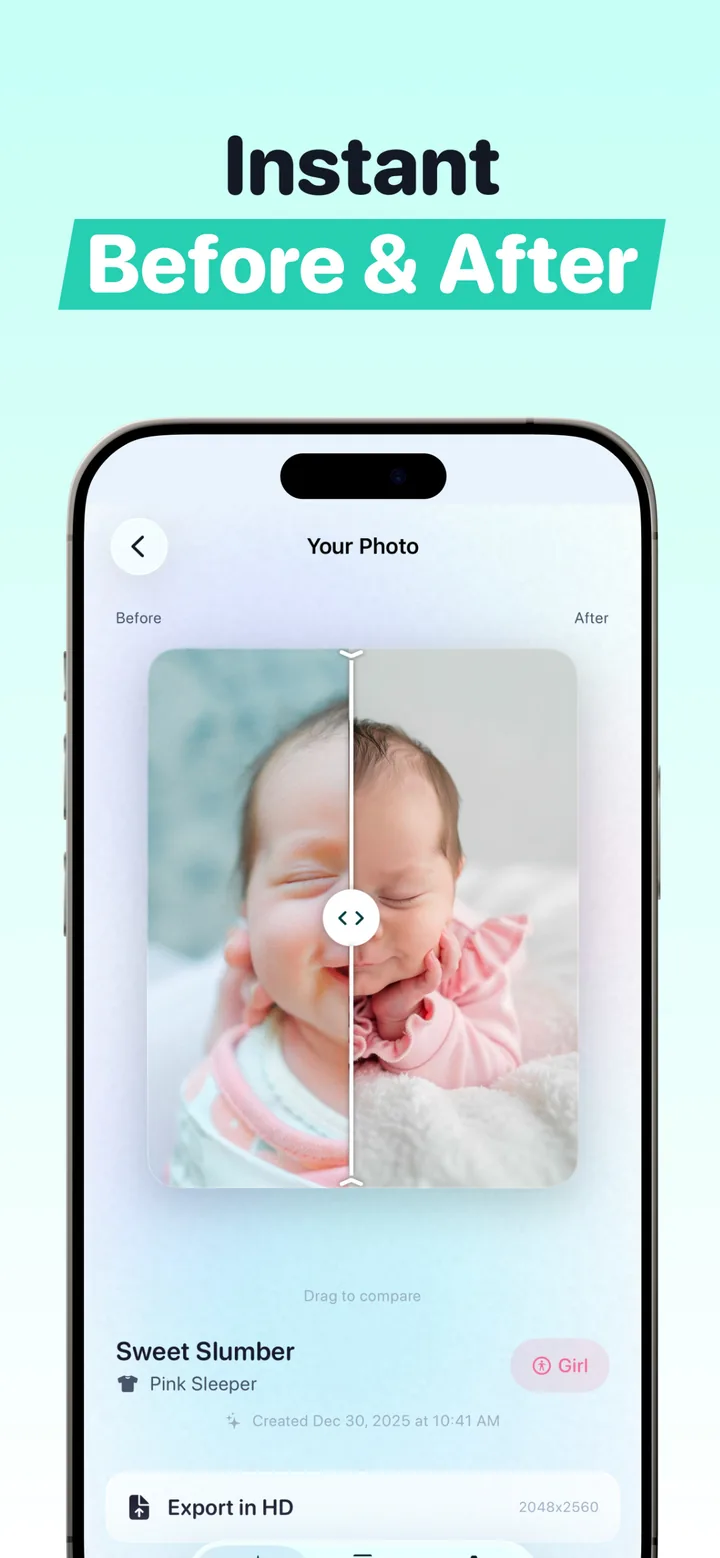
Before an announcement portrait leaves your camera roll, confirm every relevant parent or legal guardian permits the upload and review current storage, retention, model-training and deletion terms using our AI baby-photo safety checklist.

Try the outfit after you take the photo
Choose one clear baby photo and explore studio-style clothing and settings in Totti. Free to download; optional in-app purchases. Results vary; keep the source and review the final portrait before sharing.
View Totti on the App Store