An AI baby outfit changer can create a new portrait in which the baby appears to wear a different color, fabric or themed outfit. It is a creative restyling tool, not a fitting room. It cannot tell you whether a real garment will fit, feel comfortable, arrive in the same color or meet a retailer's sizing chart. It also cannot promise to preserve every facial or body detail. Treat the result as an AI-styled picture, compare it with the source, and keep only an image that still looks convincingly like your baby.
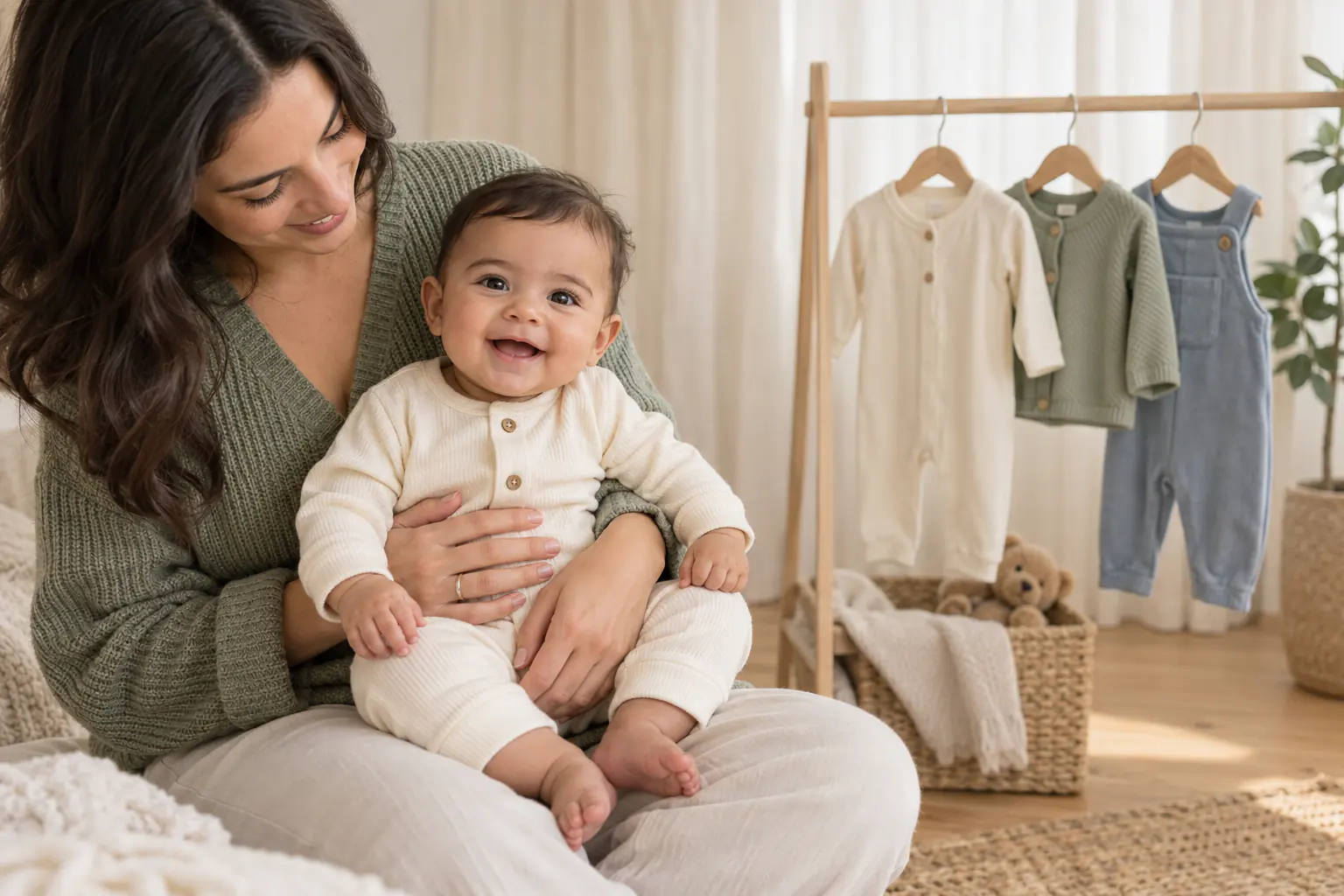
What can an AI baby outfit changer change?
A good restyle can change the visible wardrobe and rebuild the surrounding scene so the pieces belong together. That may include the apparent neckline, sleeve length, fabric texture, color palette, accessories and backdrop. The word apparent matters: the tool is generating pixels, not putting a garment on the baby.
| Useful for | Not reliable for |
|---|---|
| Trying a cream knit, floral romper or holiday look in a portrait | Predicting the fit of a garment sold online |
| Coordinating outfit colors with a digital backdrop | Checking whether fabric is soft, breathable or irritating |
| Creating a themed keepsake without another clothing change | Showing exact seams, fasteners, labels or product details |
| Exploring several portrait styles from one source photo | Guaranteeing unchanged facial features, hands or proportions |
| Making a clearly disclosed AI-styled card or social post | Producing an official identity or documentary photograph |
If you are shopping, use the retailer's current measurement chart and return policy. If you are making a keepsake, an AI outfit changer can save you from buying a costume for one photo or waking a baby for a second wardrobe change. Those are two different jobs.
Start with the plainest comfortable photo
The source image does not need to be stylish. In fact, a simple cotton onesie often gives the model fewer details to untangle. Choose a photo in which the face is sharp, the baby's hands are visible or naturally out of frame, and the body is not hidden by a thick blanket.
- Use a secure, ordinary position. A baby held by an adult or lying safely on their back gives the tool a believable body outline. Do not create a risky physical pose for the sake of a virtual outfit.
- Pick even light. A bright window off to one side is easier to restyle than a ceiling spotlight or a patch of hard sun across the face.
- Keep the original clothing simple. A plain, close-fitting onesie is easier to replace than ruffles, a large hood or a blanket crossing the chest.
- Avoid covered fingers. Image generators often struggle where sleeves, hands and fabric overlap.
- Use the original file. A screenshot of a social post has already lost detail and may include interface marks.
For practical ideas about the real clothes that photograph well, use our newborn photoshoot outfit guide. It covers wraps, onesies, knits and sizing without pretending that a generated image answers a shopping question.
Choose one clear wardrobe direction
“Make the outfit cute” leaves every decision open. A clearer direction is “soft sage knit romper, simple round neckline, long sleeves, no logo, no hat.” If the tool accepts written instructions, name the garment, color, texture and what must remain unchanged. Our baby photo editing prompts show how to separate the allowed change from protected details.
Do not ask for five changes at once. A new outfit, hairstyle, expression, body position and room may produce a polished image, but it gives you no way to tell which request caused a strange hand or unfamiliar face. Change the wardrobe first. Add a new setting in a second version only if the first result holds together.
How do you tell if the result still looks like your baby?
Do not judge from a thumbnail. Put the source and result side by side, zoom in, and work around the image in the same order every time:
- Face: compare the eye shape and spacing, nose, mouth, ears, cheeks, hairline, expression and any distinctive marks.
- Hands and feet: count visible fingers and toes, then check where each limb meets the clothing.
- Body shape: look for a shortened torso, mismatched shoulders or an outfit that creates an impossible bend.
- Clothing construction: follow the neckline, cuffs, buttons and seams. They should connect rather than dissolve or repeat.
- Light and contact: the outfit and face should share the same light direction. The baby should still appear supported by the adult or surface in the source.
If the face feels “almost right” but not right, reject the result. A convincing sweater does not compensate for a changed child. Try a different source photo or a simpler template. No identity-preservation claim should replace your own comparison.
Virtual restyling is not virtual try-on
A retail try-on tool aims to visualize a particular product. A creative baby portrait tool aims to produce a coherent image in a style. Even if the generated outfit resembles a real romper, the result does not prove that garment will drape the same way. Babies also move through sizes quickly, and two brands can label different measurements with the same age range.
Use a real product photo, measurement chart and fitting check when the decision is about buying. Use AI restyling when the decision is about the mood of a portrait. The distinction keeps a fun image from becoming bad shopping evidence.
When is the real outfit the better choice?
Photograph the actual garment when it carries meaning: a hand-knitted cardigan, a coming-home outfit, cultural clothing, a family christening gown or something made by a grandparent. Texture, workmanship and history are the point of those photographs. A generated approximation would lose the evidence that made the outfit special.
A real outfit is also the only honest choice for resale listings, product reviews, sizing comparisons and brand partnerships. If an image could influence a purchase, show the item that was actually worn and disclose any ordinary color or exposure adjustments.
Using Totti for an AI-styled outfit portrait
Totti uses ready-made portrait templates rather than a free-form clothing prompt. Upload one clear baby photo, choose a studio, milestone or seasonal style, and the app generates a new portrait whose wardrobe is part of that scene. The intention is creative restyling. It is not a catalog try-on and it does not estimate size or fit.

Try a new portrait style, not a sizing prediction
Totti offers more than 50 studio, milestone and seasonal templates on iPhone, with HD export at 2048×2560. The app is free to download with optional in-app purchases. Compare each generated face, hand and clothing edge with your source before saving or sharing.
Get Totti on the App StoreShare the picture without misrepresenting it
If viewers could reasonably think the outfit was worn or the session happened, describe the picture as “AI-styled” or “AI-generated from our photo.” That short label is especially useful for seasonal costumes, elaborate sets and cultural clothing. Keep the untouched source in the family archive.
Get the parent or guardian's agreement before uploading a child's photo, and check the provider's current retention and training settings. Avoid images that reveal hospital records, identity documents, school information or a home address. The fuller checklist is in our guide to AI baby-photo privacy and safety.
An AI outfit can change the story of the picture. It should not change the baby's identity, and it should never be treated as proof of fit.
